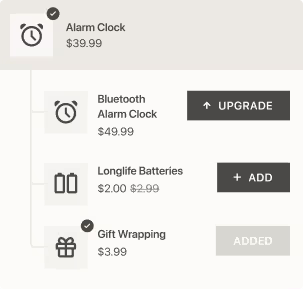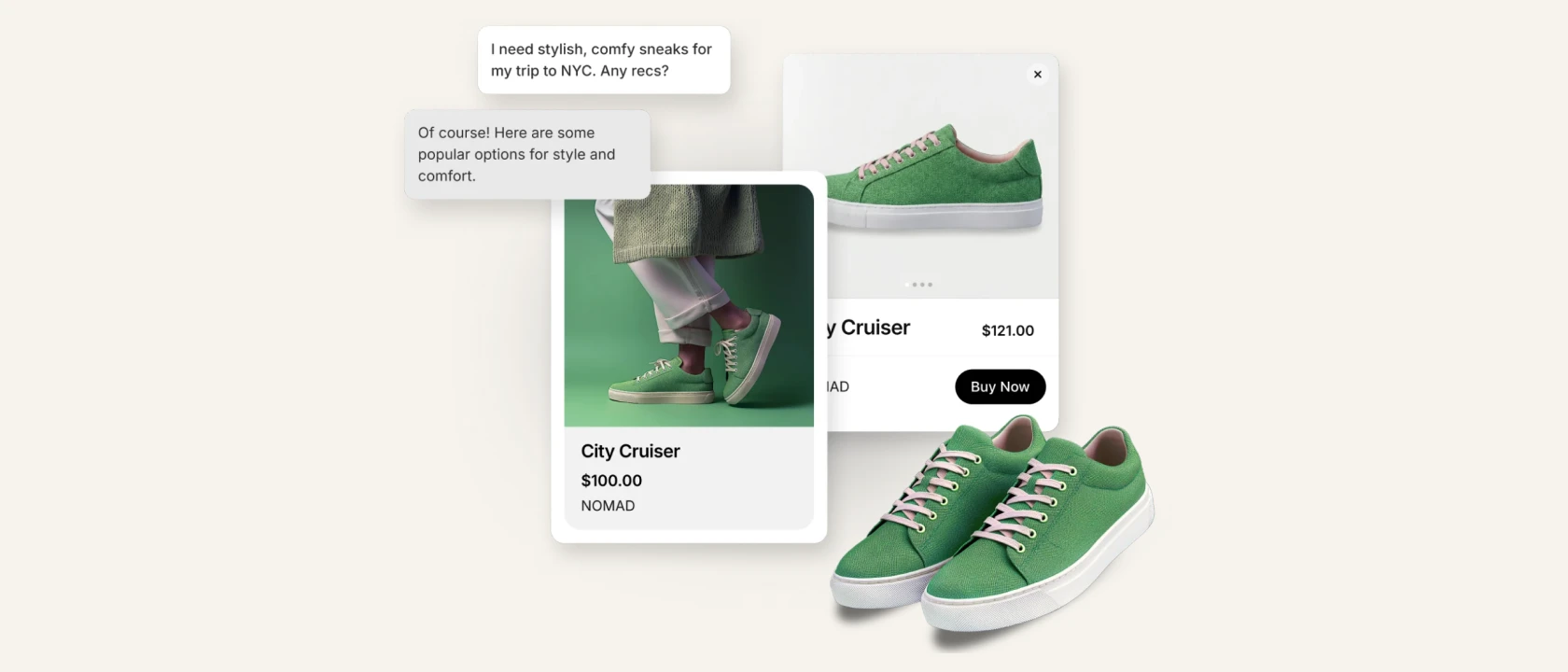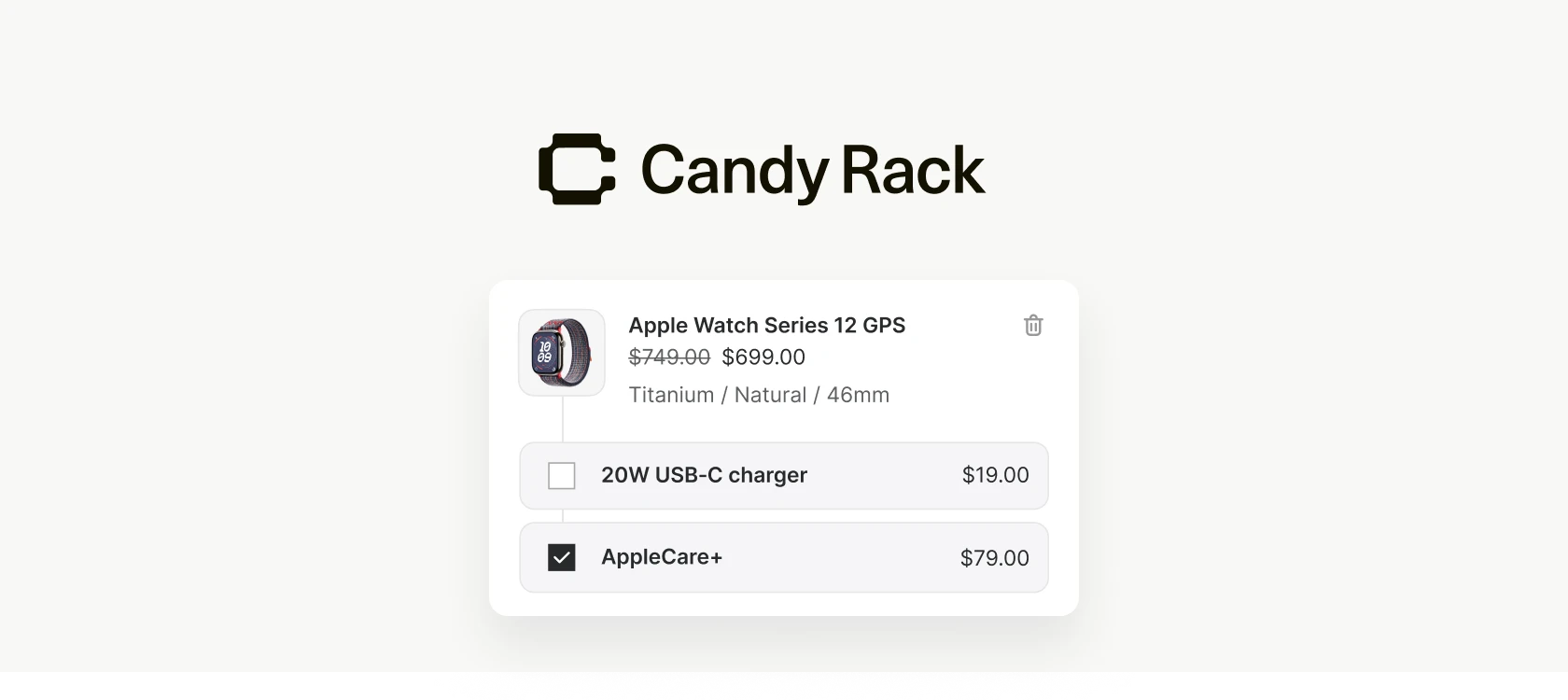
Until now, every offer in Candy Rack's slide cart lived in the same place: one shared offers section at the bottom of the cart. That works when a cart holds one product, or several from the same category. It works much less well when someone has a coffee grinder and a pair of running shoes in there, because a single block of recommendations has to be vague enough to sit under both.
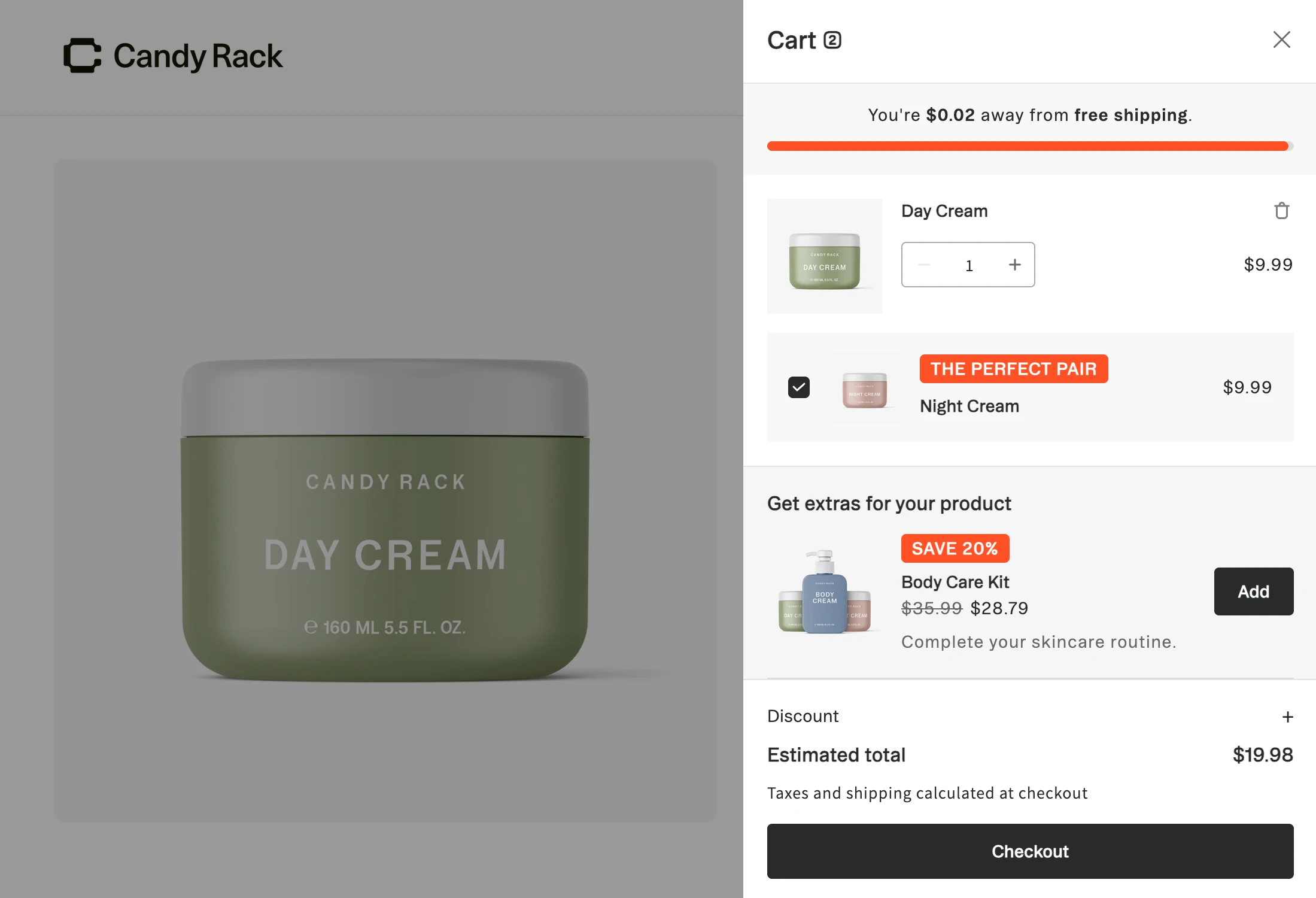
Line item upsells move the offer to the product it belongs to. Each item in the cart can now carry its own offer block, rendered directly beneath that line item, and the products a shopper accepts are added as children of that line rather than as separate items floating in the cart. The existing cart-level offers section is untouched and keeps working alongside it.
The pairing holds after the click
Placing the card under the product makes the relationship obvious at the moment of decision. What happens after the click matters just as much, and that is where Shopify's nested cart lines come in.
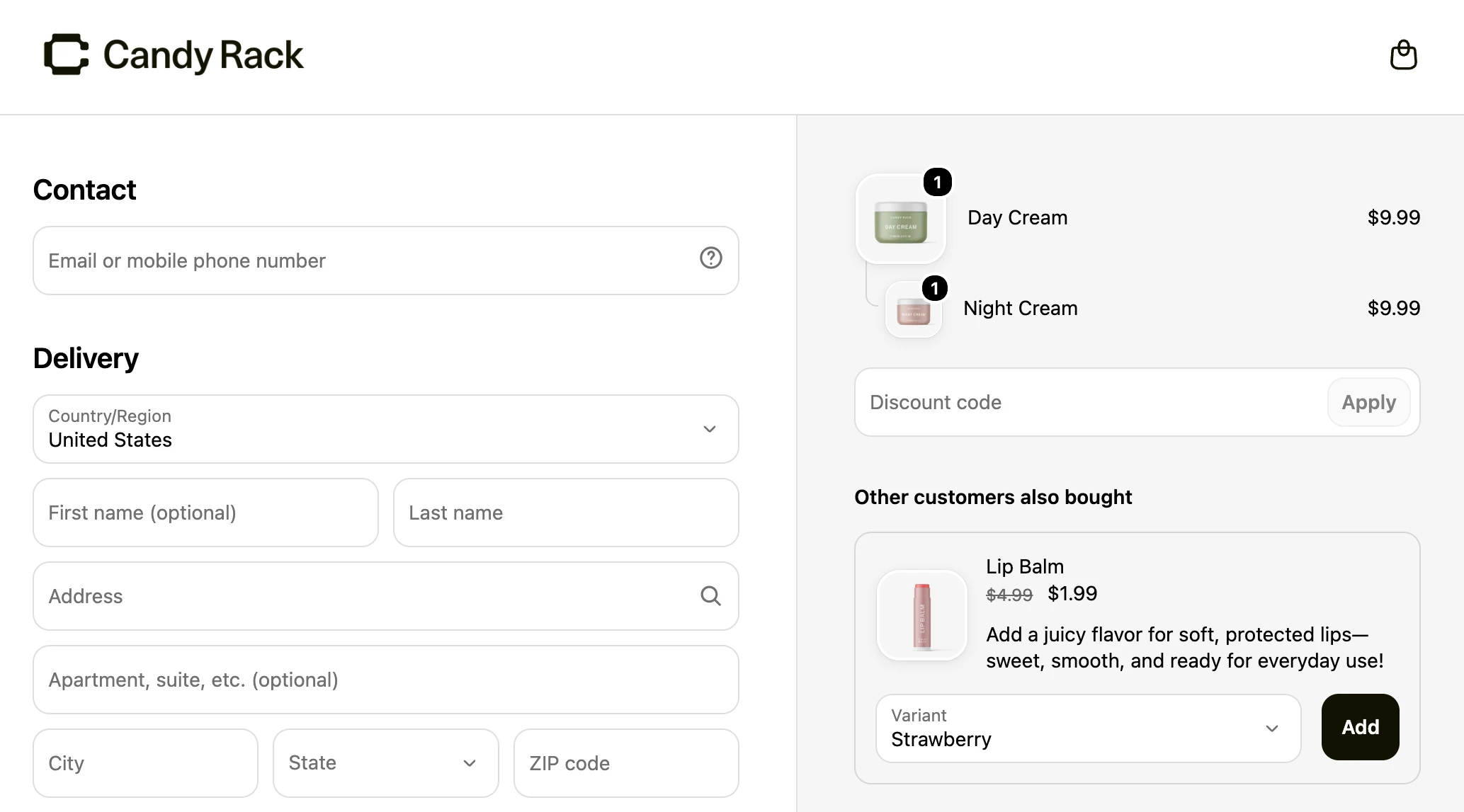
Candy Rack adds an accepted line item upsell as a child of the product that triggered it, not as a standalone item. Shopify then renders that parent and child relationship across the whole journey: in the cart, in checkout, and afterwards in the order confirmation email and the order status page. A warranty stays visibly attached to the appliance it covers, all the way through.
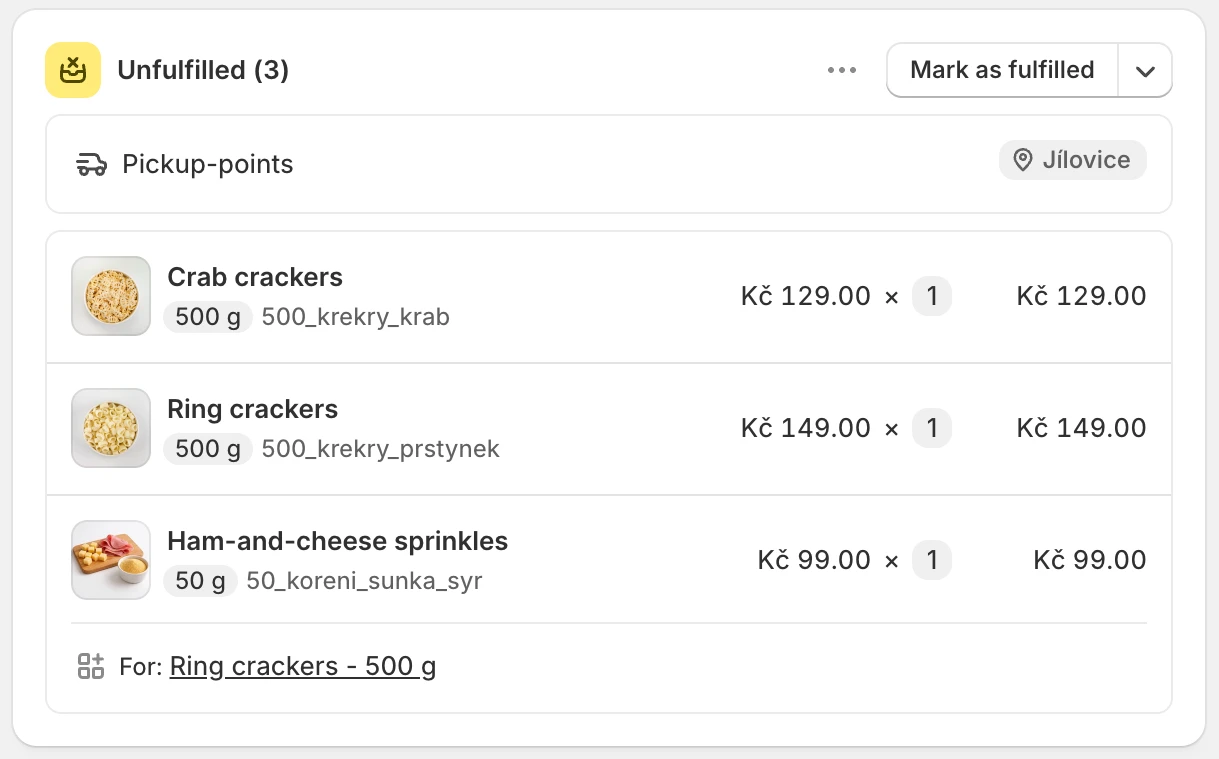
It also fixes a small annoyance that cart-level upsells have always had. If the shopper removes the parent product, Shopify removes its nested children with it, so nobody ends up buying a protection plan for an item they took out of the cart two minutes earlier.
Setting one up
- Open Candy Rack and create a new offer.
- Under Placement, choose the slide cart line item placement.
- Pick the trigger products or collections the offer should appear under.
- Choose what to offer: specific products, a collection, or an AI recommendation.
- Turn on the variant selector and quantity selector if shoppers should adjust before adding.
- Save, then open your storefront and check the cards in a real cart holding two unrelated products.
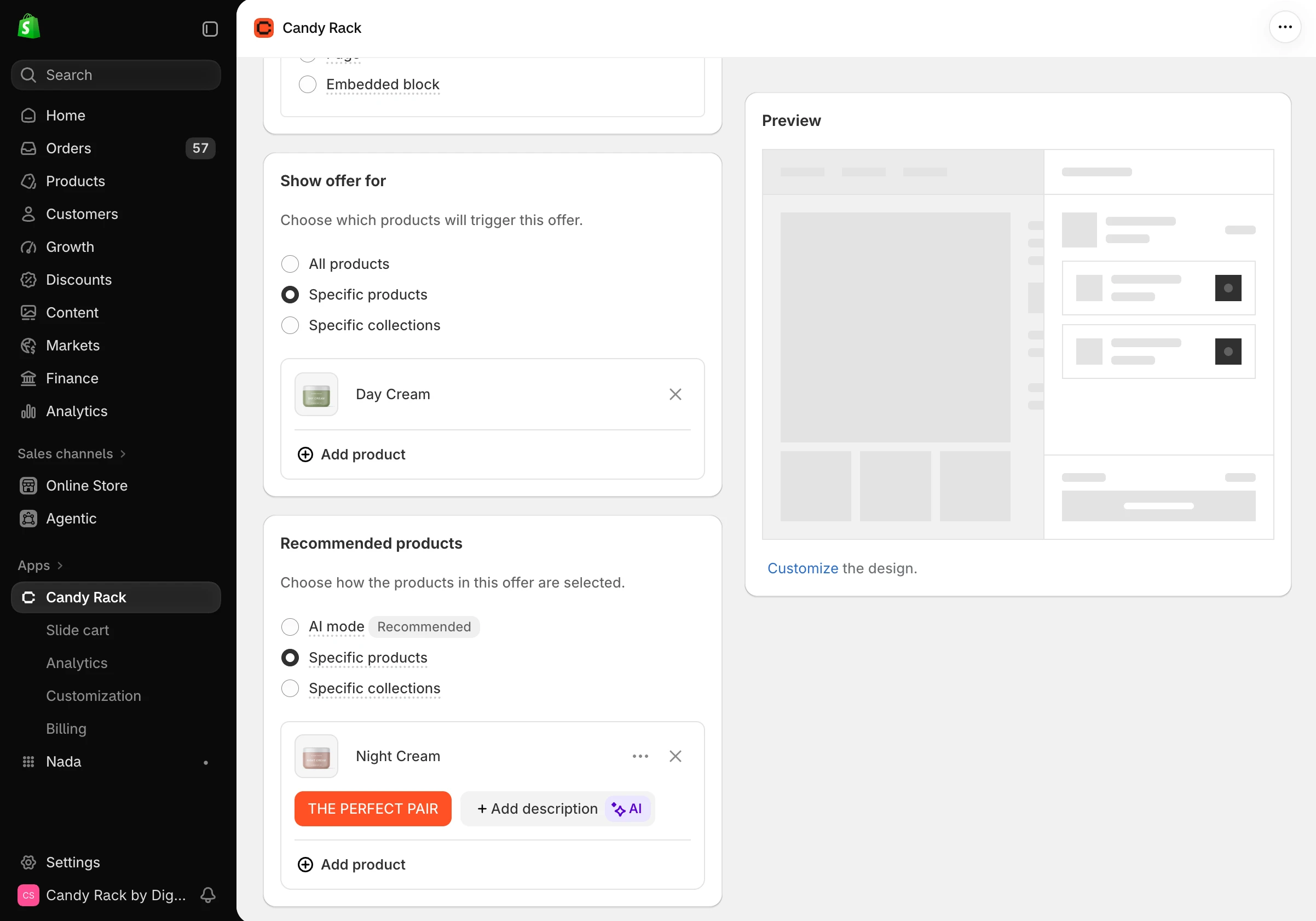
That last step is worth the two minutes. The cards inherit some typography from your theme, so a layout that looks right in the app preview can sit differently in a live cart.
What else is in the slide cart
Line item upsells are live in Candy Rack today. They join the rewards bar, custom blocks, collection upsells, discount codes and volume bundles we have added to the cart since launch.
For how the cart fits into the rest of the funnel, see our upsell strategy guide. New to the app? Install Candy Rack from the Shopify App Store.