Last year, I wrote about using Shopify Sidekick to find upsell ideas. It worked well, but I still had to open Candy Rack and build every offer manually.
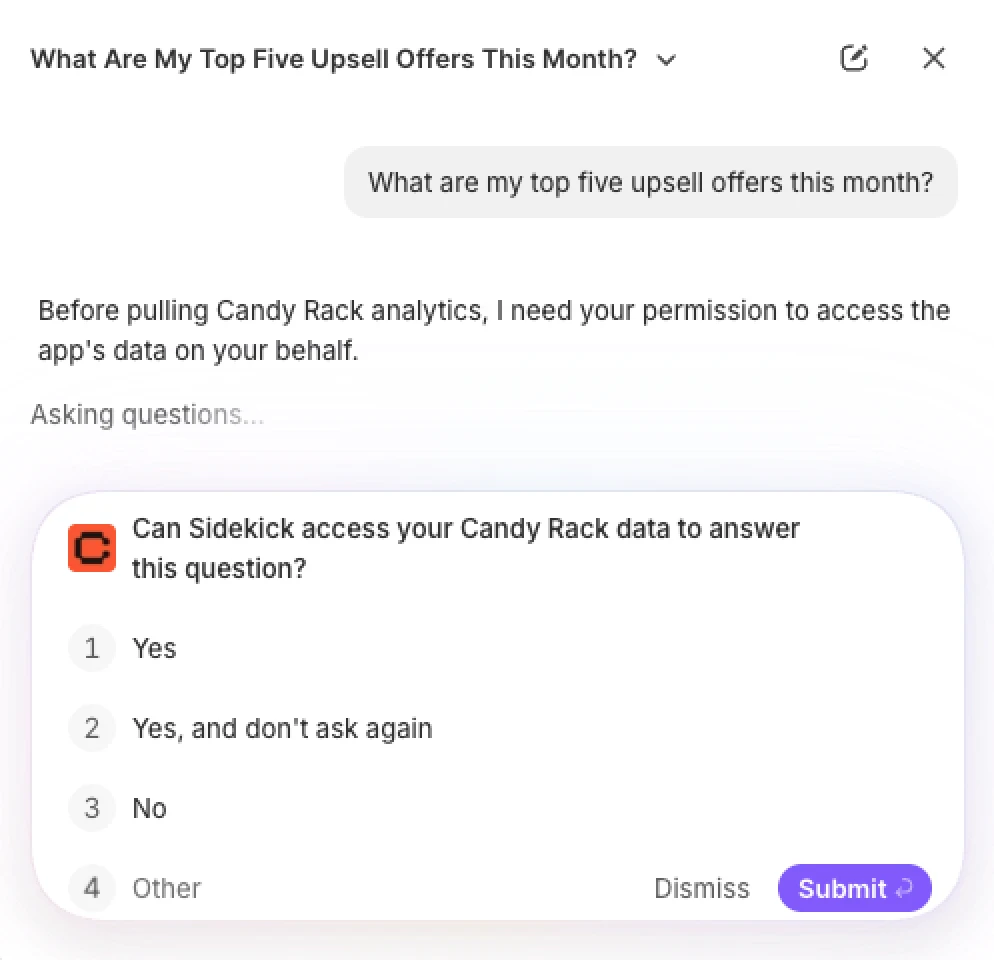
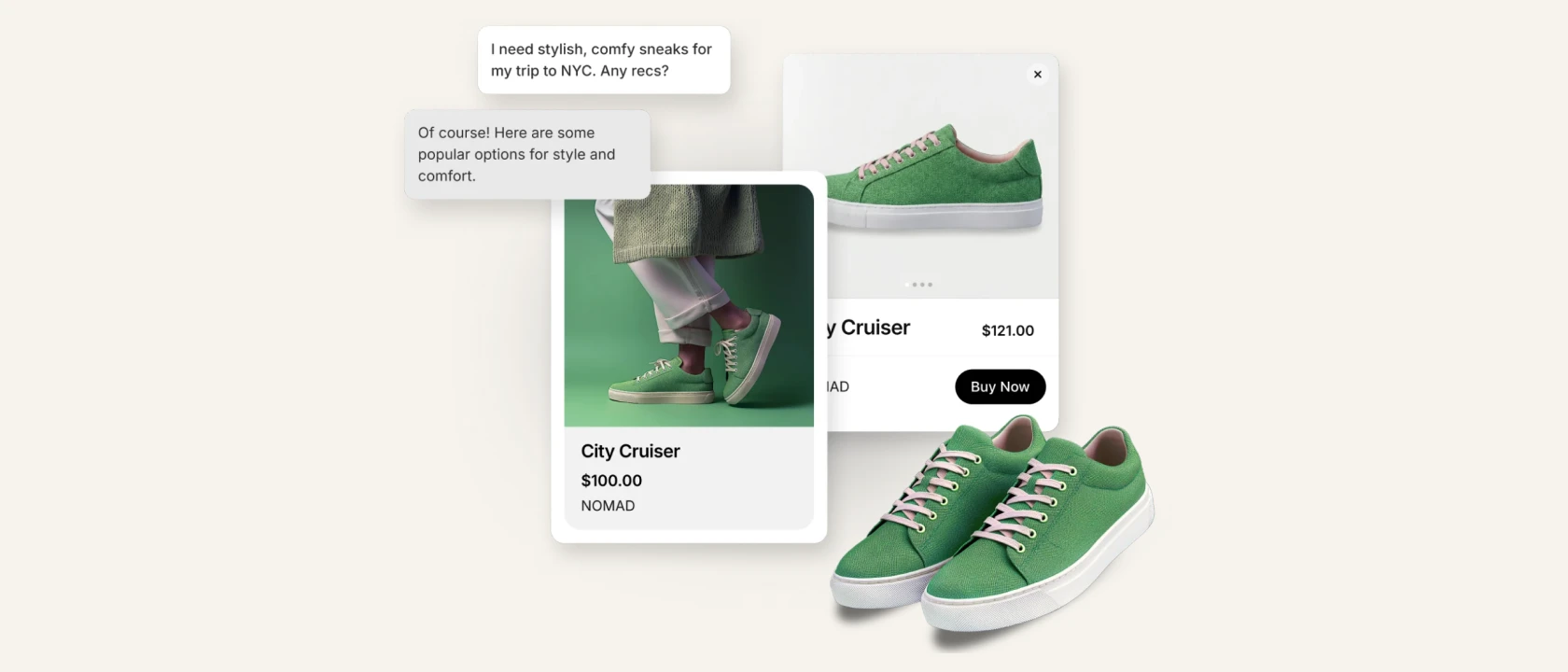
That gap is now closed. The new Candy Rack integration lets you ask Sidekick for upsell performance data and prepare new or edited offers using natural language from the Shopify admin.
What you can ask Sidekick
For analytics, try questions such as:
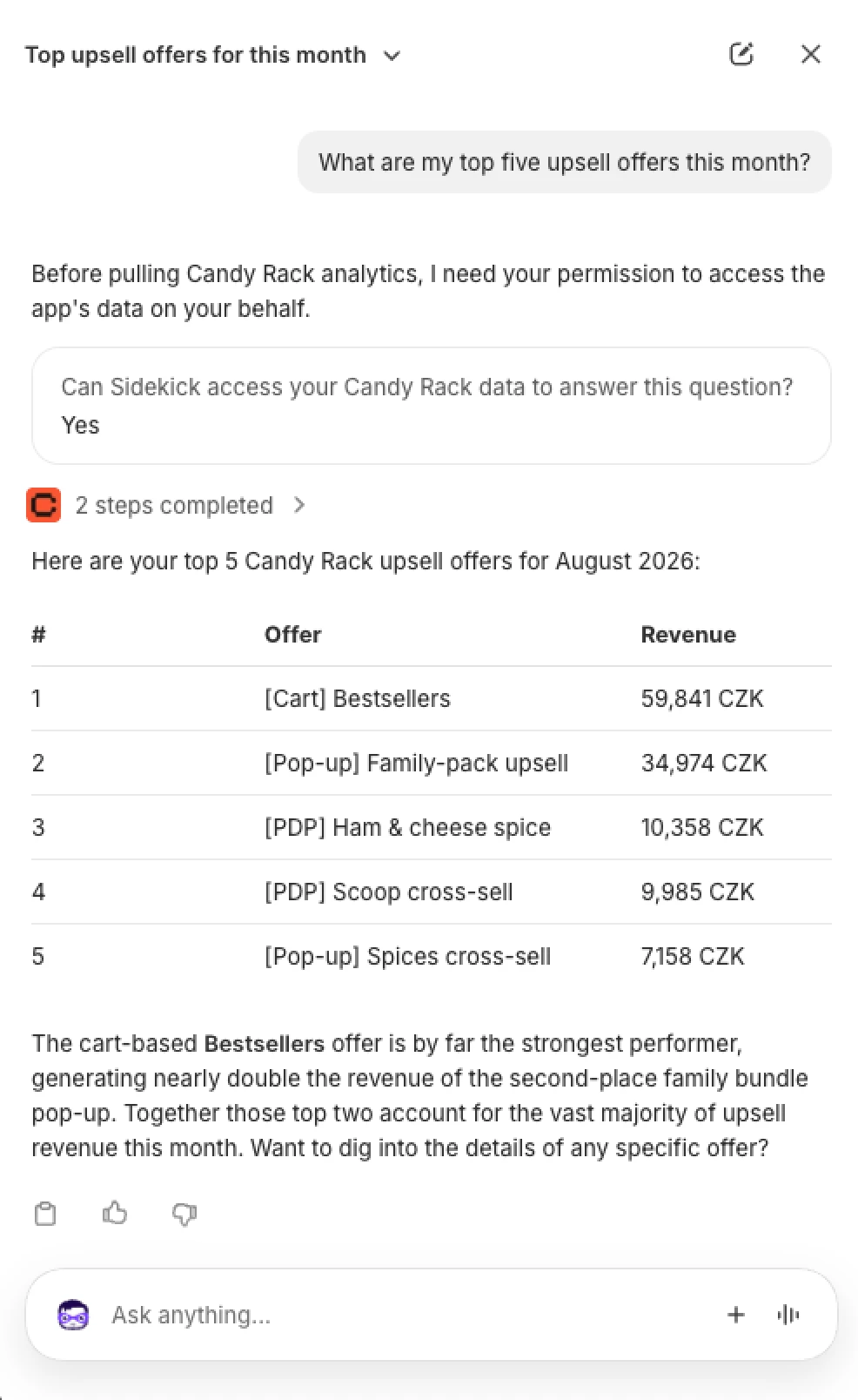
- “What are my top five upsell offers this month?”
- “How did Candy Rack perform over the last 90 days?”
- “Which placements are driving the most revenue?”
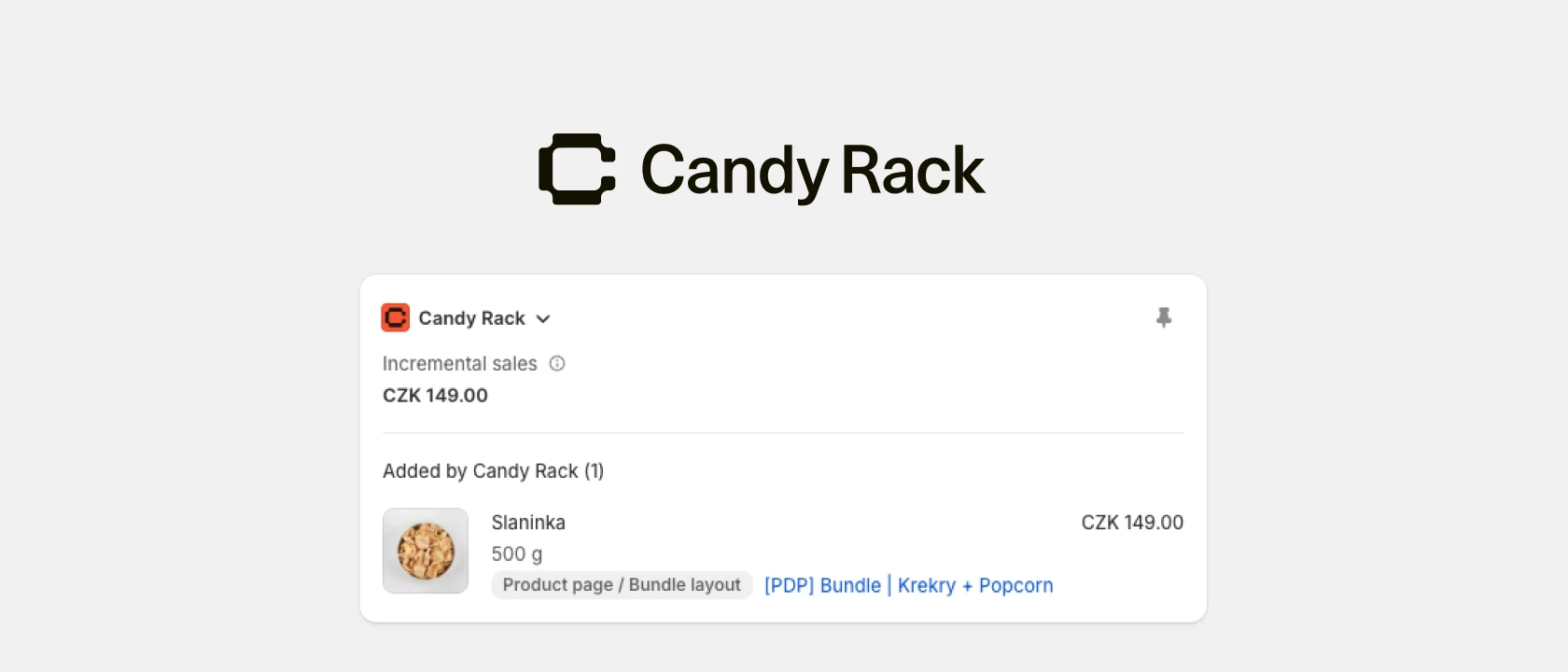
Sidekick can return top offers for a selected date range, revenue by placement, period-over-period comparisons, and links to the relevant offer in Candy Rack. The full Candy Rack Analytics dashboard is still available when you need a deeper breakdown or data export.
You can also describe an offer you want to create or change:
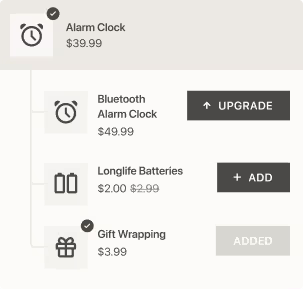
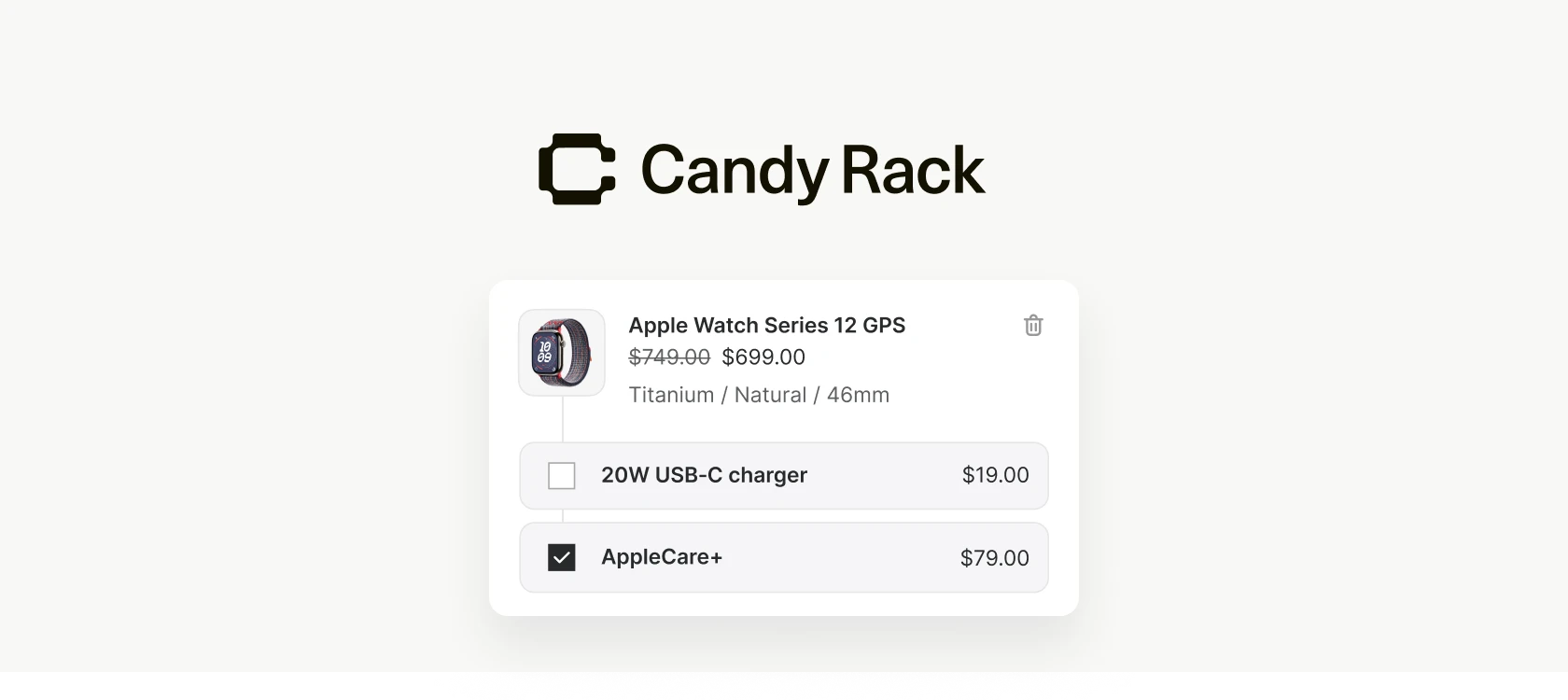
- “Create a cross-sell on the product page for everything in Best Sellers, with 10% off.”
- “Add gift wrap as an upsell in my cart pop-up.”
- “Lower the discount on my Black Friday upsell to 15%.”
- “Pause my Same Product offer on hoodies.”
Sidekick can pre-fill settings such as the offer type, trigger, products, discount, placement, status, and headline. It then opens the Candy Rack offer builder for review. New offers default to draft unless you explicitly request another status. Edits are shown as proposed changes, and nothing is saved until you confirm it in Candy Rack.
How to try it
Open Sidekick in the Shopify admin and mention Candy Rack in your prompt. Shopify will ask you to approve the app for the current conversation. You can then review the returned data or open the pre-filled offer builder and save the proposed offer yourself.
The integration is live in Candy Rack and listed in our July 2026 changelog. It turns a process that previously required several screens into a short conversation, while keeping the final decision with the merchant.
Just keep in mind that “Sidekick currently supports integrations with up to 20 apps for each user on a store.” This is a Shopify limit, not a Candy Rack offer limit.