
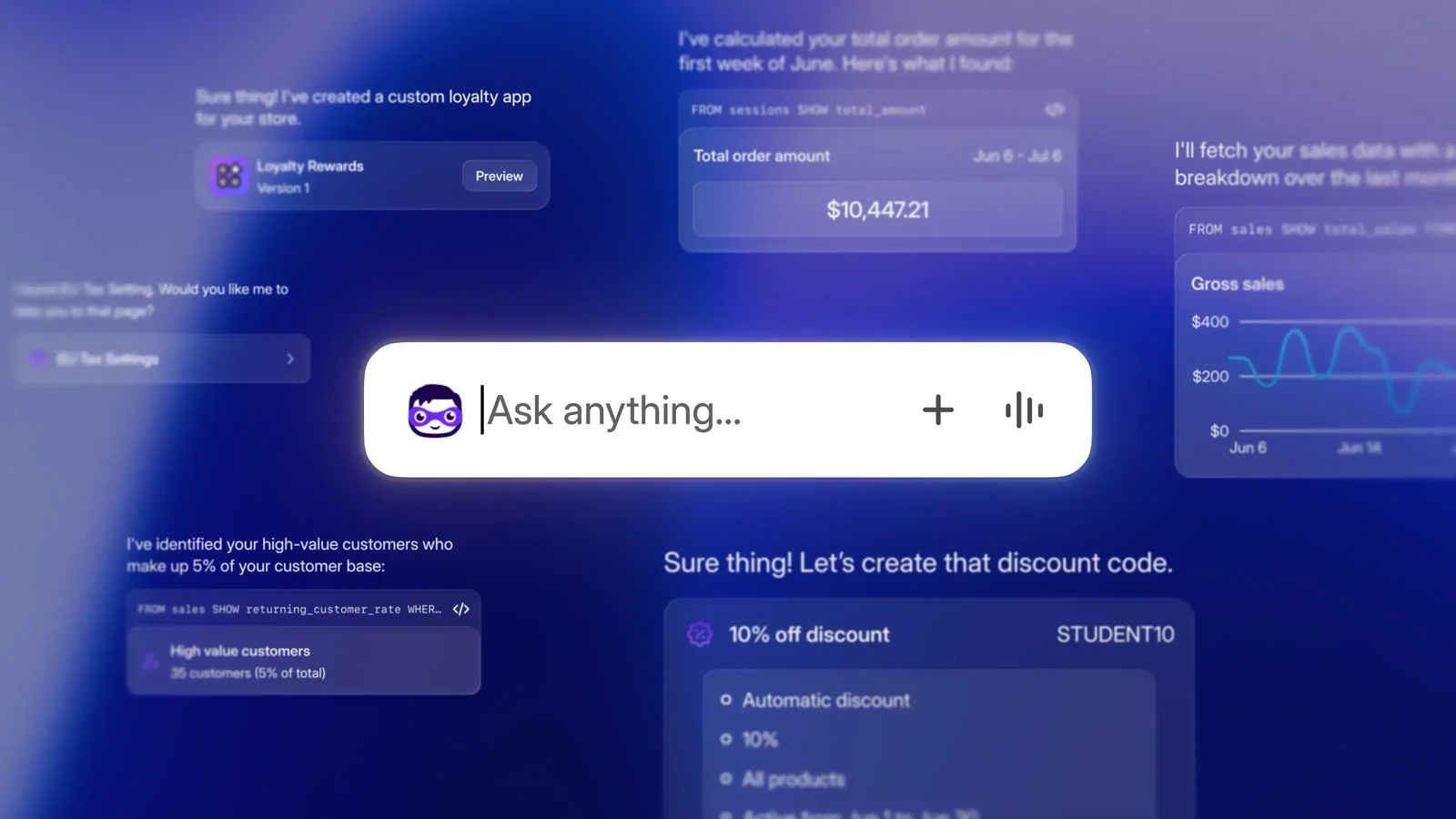
Sidekick is Shopify's built-in AI commerce assistant and part of Shopify Magic. It runs inside the Shopify admin, so there is no separate app to install, vendor account to create, or external dashboard to learn. Its main advantage is context: Sidekick can use information from the current store and admin page to answer questions, prepare work, and propose changes in everyday language.
Key features
- Context-aware assistance: Ask questions by text or voice, share the screen, mention specific products or orders, and let longer tasks continue in the background for later review.
- Analytics and reporting: Generate ShopifyQL queries, create charts, open custom data explorations, and export Sidekick-generated reports in CSV, Parquet, JSONL, or XML.
- Content and catalog work: Draft blog posts, product descriptions, marketing copy, images, customer segments, discounts, products, collections, metafields, and metaobjects.
- Admin task support: Fill forms, propose order edits, help with Shopify Balance transfers, guide domain and VAT setup, and change theme settings when used inside the theme editor.
- Personalization and extensions: Remember preferences and previous conversations, save recurring prompts as skills, work with supported third-party apps after approval, surface Pulse recommendations, and generate internal apps on eligible plans.
Pricing and trial information
Sidekick is included with Shopify and has no separate subscription fee. Shopify describes the wider Shopify Magic suite as free across subscription plans, but a Shopify store and plan are still required. This means “Free” refers to the lack of an additional Sidekick charge, not to a standalone free service.
There is no Sidekick-specific free trial. Access to individual features varies. Media generation is available on Basic, Grow, Advanced, and Plus, while generating custom admin apps requires Grow, Advanced, or Plus. Charges for the Shopify plan, supported third-party apps, messaging, or other connected services remain separate.
Rating and reviews
Sidekick has an official built-in feature page in the Shopify App Store, but it is not a conventional third-party listing and has no merchant star rating or public review history. Reviews for other apps named Sidekick are unrelated and should not be used to judge Shopify's assistant.
The absence of a review score makes direct testing more important. Merchants should try Sidekick against representative reports, product updates, and content tasks, then compare the output with the underlying store data. Shopify's help documentation and product updates are more useful here than an App Store rating.
Pitfalls
Sidekick is an AI assistant, not an autonomous store operator. Shopify explicitly warns that generated text can be irrelevant, inaccurate, biased, or offensive, and merchants remain responsible for reviewing content before publishing. The same caution applies to analysis, generated code, order edits, financial transfers, and tax guidance. Changes are generally presented for review, and sensitive actions should always be checked against the source data.
Capabilities are uneven across plans, devices, languages, rollout stages, and admin pages. Theme changes require the theme editor and a manual save. Generated apps are desktop-only, have usage limits, work only inside the Shopify admin, and require testing. Third-party app access is limited to apps that support Sidekick and must be approved per conversation.
Sidekick also saves conversation history and can remember explicit or inferred preferences. Memory can be disabled for a conversation, and conversations can be deleted, but teams should still define what staff may enter into prompts and review role permissions. Shopify states that one merchant's store-level data is not used to power Shopify Magic for other merchants, but that does not remove the need for internal data governance.
Conclusion
Sidekick is one of the more practical AI additions to Shopify because it sits where merchants already work and can combine guidance with proposed actions. It is particularly useful for quick analysis, repetitive admin work, and first drafts. Its value is highest when the merchant treats it as a copilot, verifies every material result, and keeps permissions narrow. Stores that need custom workflows, theme work, or a second review of AI-generated changes can combine Sidekick with professional Shopify support.