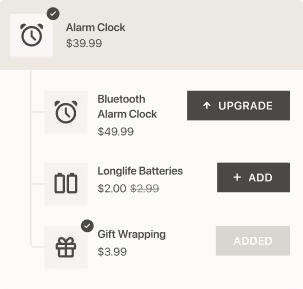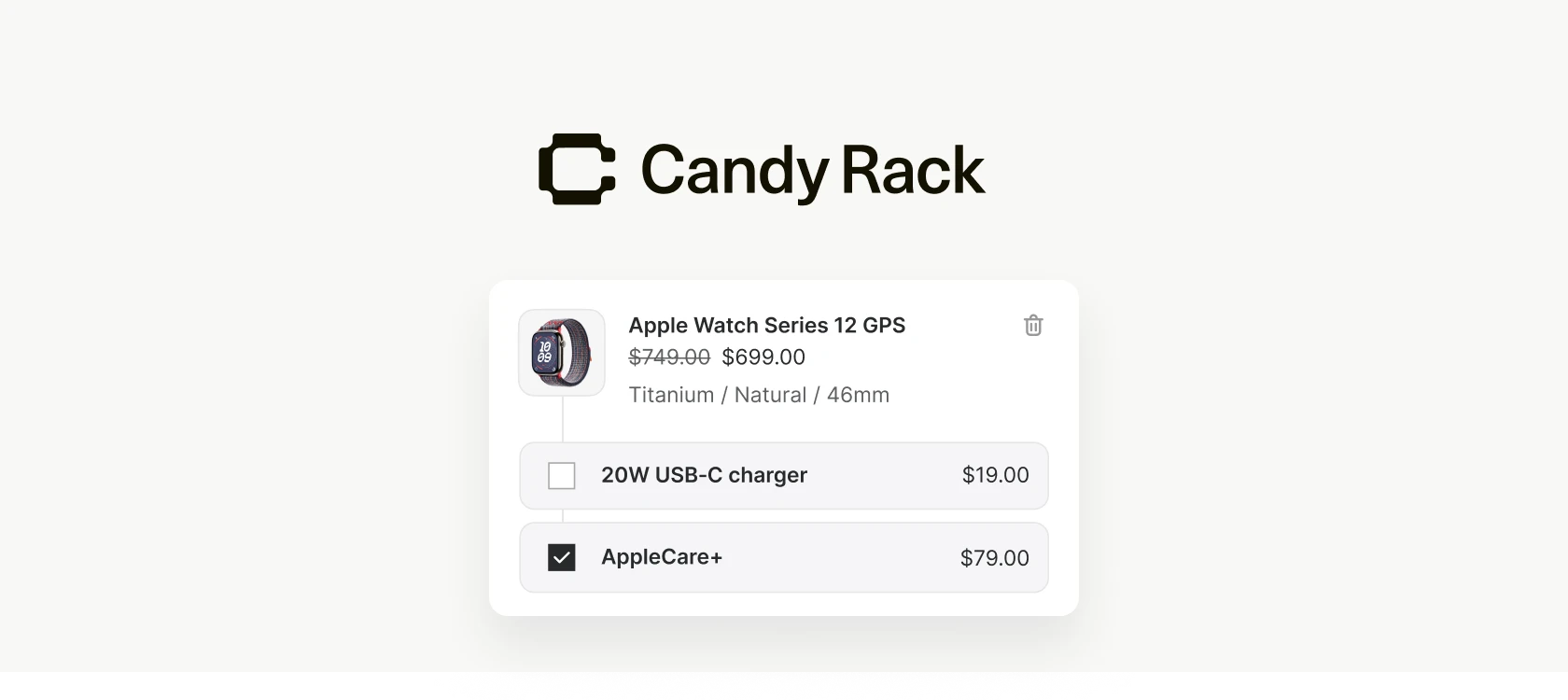
Every upsell offer in Candy Rack carries a short description — the line under the product that tells a shopper why it's worth adding to the cart. It matters more than its size suggests, and writing it by hand for every offer is one of those small jobs that quietly eats an afternoon. The product already has a description in Shopify; the tedious part is rewriting it into something short and persuasive enough to work in a cart.
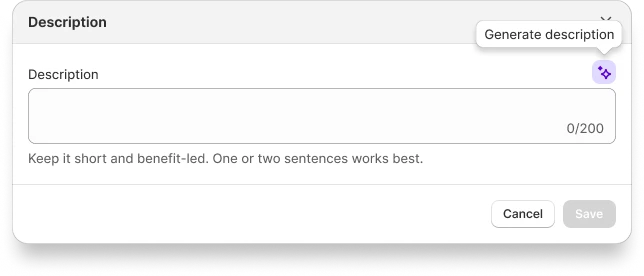
Generate with AI is our fix. There's now a button next to the offer description field that drafts that line for you. Click it, and Candy Rack reads the offered product's existing Shopify description and turns it into a short, upsell-tailored sentence — dropped straight into the field, ready to edit.
How it works
When you create or edit an offer, you'll see a Generate with AI button beside the description field. Click it and Candy Rack pulls the offered product's description from Shopify, condenses it to around 120 characters of upsell copy, and fills the field for you.
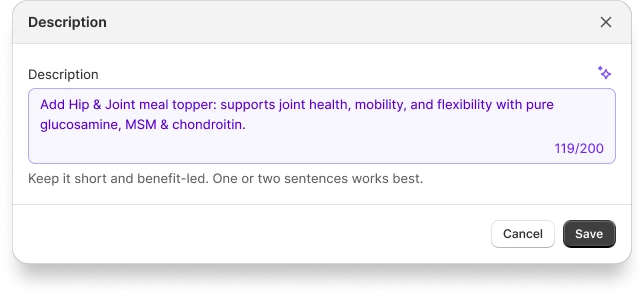
Don't love the result? Regenerate produces a fresh variation, and you can keep going until one fits. Every result is fully editable — treat it as a strong first draft rather than a final answer. Change a word, trim a phrase, or rewrite it entirely before you save.
- One click — drafts copy from the product's existing Shopify description
- Around 120 characters — sized for the cart, not a product page
- Regenerate — new variations on demand until one lands
- Fully editable — adjust or rewrite anything before saving
It works in your store's language
The copy comes back in your store's language. A store selling in French gets French copy, not English you'd then have to translate yourself — which is what makes the button worth clicking for merchants who don't run their store in English. The same offer setup that used to need a manual translation step now takes one click.
When a product has no description
Not every product has a description in Shopify — new SKUs and visually-led stores often skip them. When the offered product's description is empty, Candy Rack falls back to its title and product type so you still get something usable instead of an error. A richer source description produces sharper copy, but you'll always get a starting point to work from.
Why we built it
Good upsell copy is short, specific, and benefit-led, and writing it well for every offer is exactly the repetitive work that slows you down once you're running more than a handful. The Shopify product description usually already says what you need — just at the wrong length and in the wrong register for a cart. Handing that first pass to AI removes the blank-field friction while leaving the final wording entirely up to you.
It's part of the same direction we've been heading with cart upsells, the rewards bar, collection upsells, and custom blocks: take the busywork out of setup so you can spend your time on the decisions that actually move average order value. If you want a refresher on what makes an offer convert before you start generating, our upsell strategy guide and our upselling tips for Shopify are good places to start.
AI-generated descriptions are live in Candy Rack today — you'll find the Generate with AI button the next time you create or edit an offer. If you're not running Candy Rack yet, you can install it from the Shopify App Store.