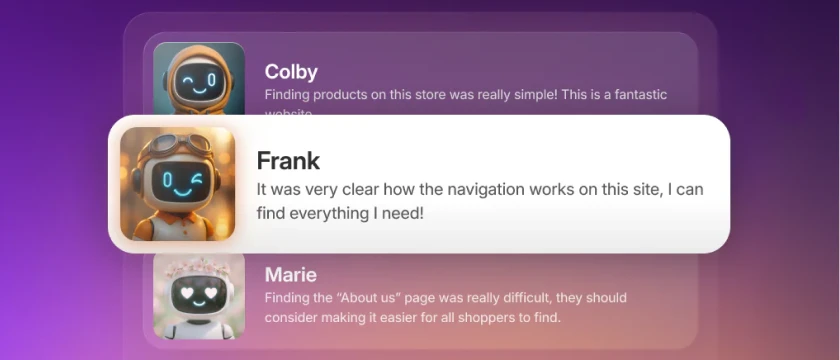
Shopify recently released SimGym, a new free app developed natively by Shopify. It was initially announced at the last Winter Editions, and after a couple of months, it is finally available to the public.
The best thing about apps made by Shopify? They are free. You can install SimGym at no cost, no matter what Shopify plan you are on (we tested it on our Shopify Grow plan).
We went ahead and tested the app ourselves to see if it’s actually worth using. Here is how it works, what our test revealed, and our honest review.
What is Shopify SimGym?
The most important word to note here is "simulation".
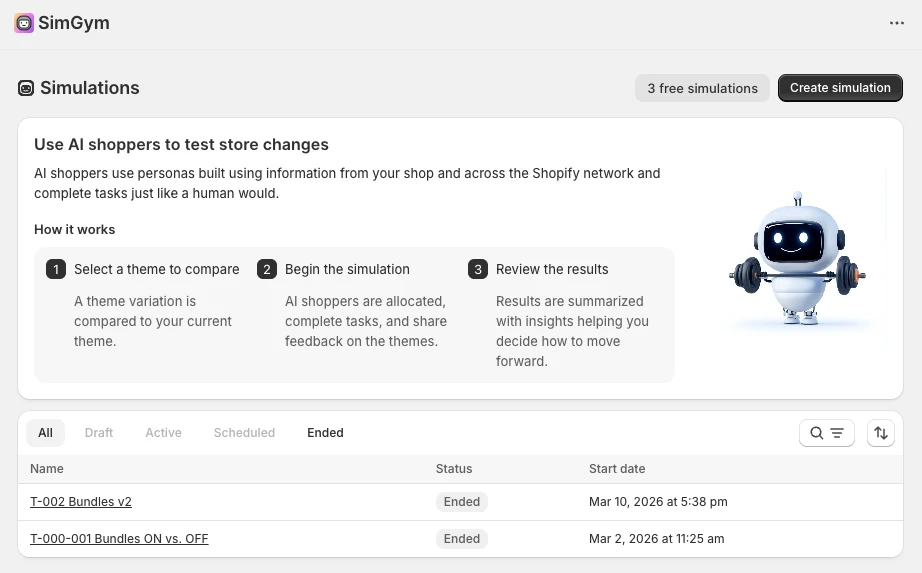
Unlike traditional A/B testing tools like Intelligems that split your actual store traffic, SimGym won't allow you to test one version versus another on the real visitors of your store. Instead, Shopify deploys AI agents (bots) to simulate traffic to each theme variant.
Our test setup: bundles vs. no bundles
To put the AI to the test, we created a simulation comparing two versions of our store:
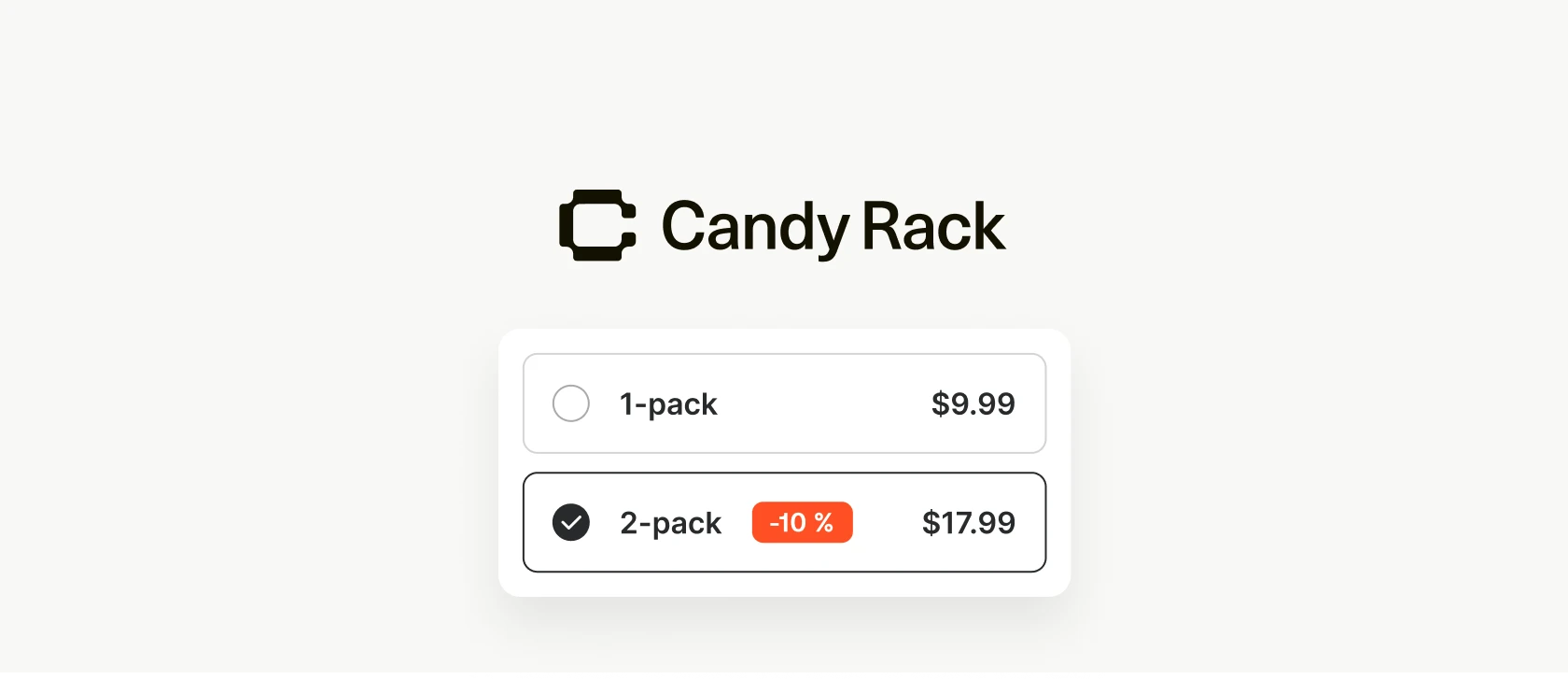
- The Champion (Default Theme): Customers can choose a 1-pack, 3-pack, or 5-pack bundle on the product page to get an additional discount.
- The Challenger (Variant Theme): Quantity bundles were disabled, and customers simply selected either a half-kilo or one-kilo package.
Besides that, there were no other theme changes. We named the test, selected "as soon as possible" for the schedule, and were put into the queue.
Running the simulation
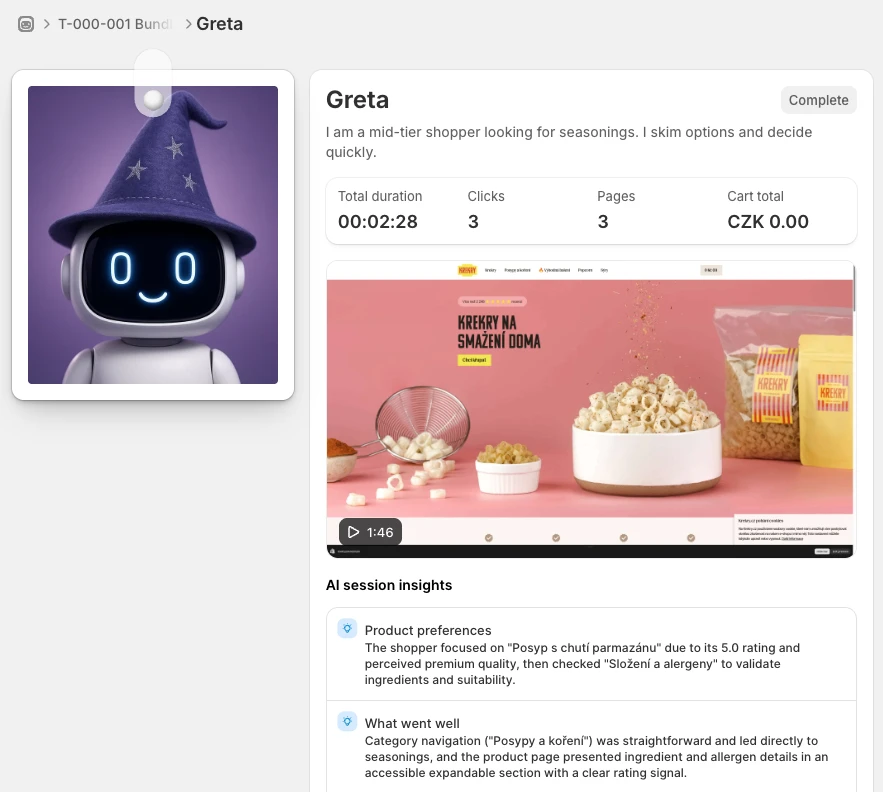
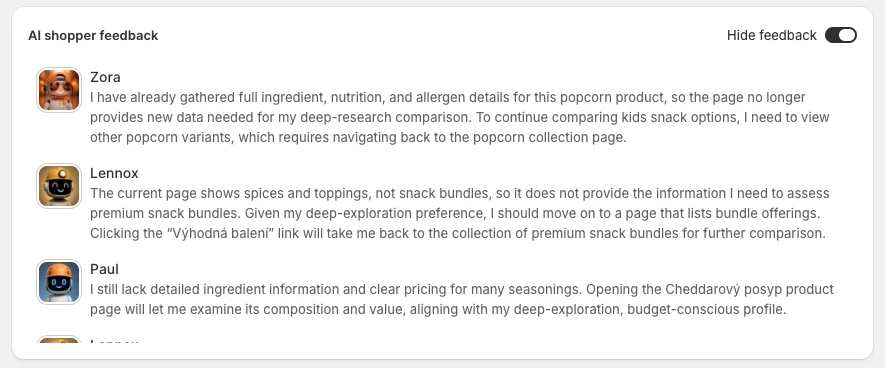
Once the test starts, it's actually pretty cool. You can see the AI agents being deployed and actually read their real-time feedback as they browse the store. It’s almost like real visitors are going through your site.
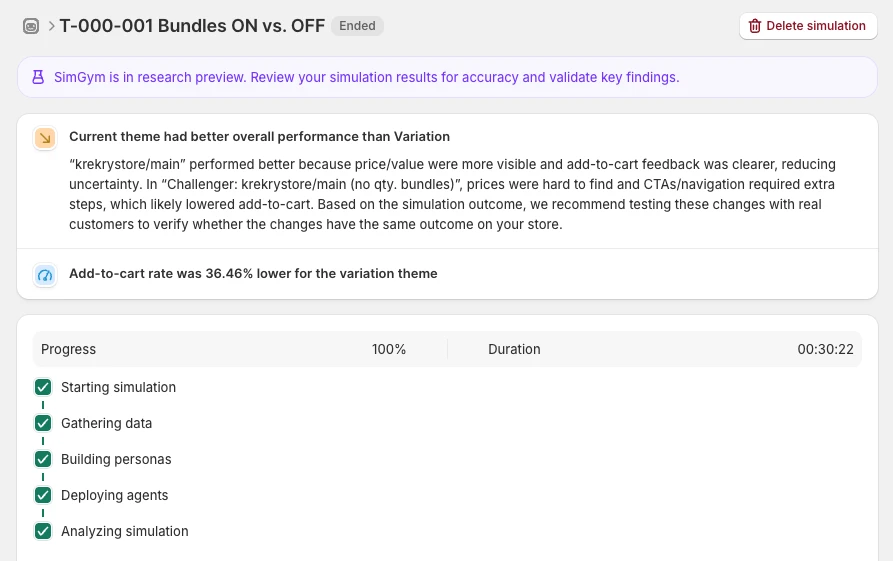
Our test took exactly 30 minutes to complete. It moved very fast for the first few minutes before hanging around 96-97% for a while.
The results: does the AI get it right?
When the test finished, we dug into the results and recommendations.
The Good:
- The bots generate feedback that genuinely tries to mimic real customers, which is a great touch.
The Bad:
- SimGym concluded that the Champion performed better, stating that the Challenger had a 36% lower Add-to-cart rate. This doesn't seem right, considering the only change we made was removing the quantity bundles.
- If you read the specific recommendations, they rarely make sense unless your store lacks basic UX principles.
- The bots tested the theme as a whole, not just the specific elements we changed. Because of this, the AI agents left feedback on elements that weren't even altered, claiming things like "prices were hard to find," which simply wasn't true.
Final Verdict
Overall, SimGym is a really great idea. Giving merchants the power to run A/B testing simulations without needing expensive tools or massive amounts of traffic is a huge step forward.
However, in its current state, there is still some work to be done. I wouldn't pay too much attention to the specific AI recommendations or rely on it for strict conversion rate optimization right now.
Instead, I recommend using it as a validation tool. If you are doing a complete store redesign and launching a brand-new theme, SimGym is a great way to test it against your old theme to ensure you haven't forgotten anything important before going live.
Knowing Shopify, I am pretty sure they will continue to improve this tool and get it exactly where it needs to be.