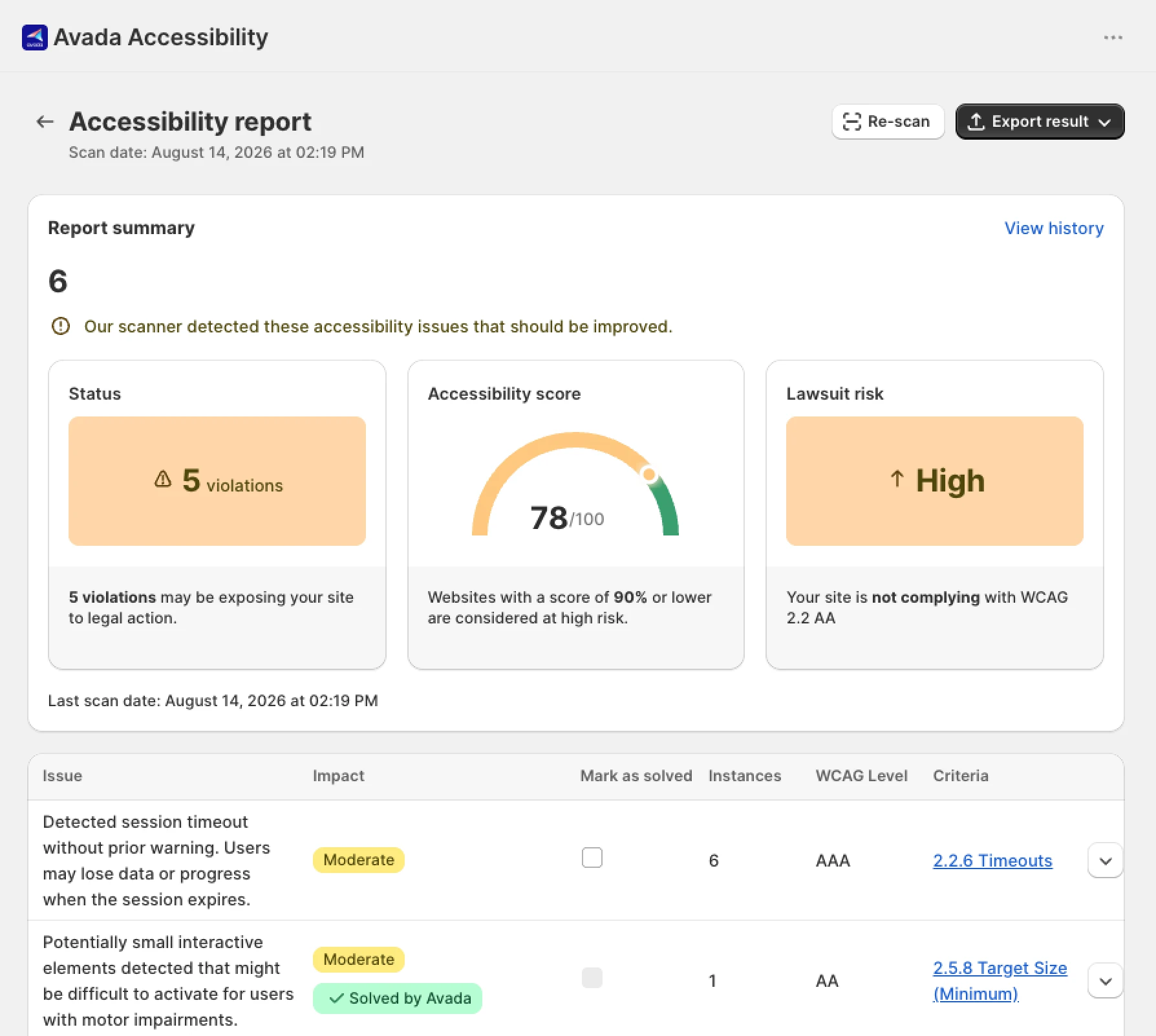
This one started in our support queue. Merchants began running accessibility scanners over their stores, and some of the reports that landed with us pointed at Candy Rack's markup rather than their theme: images we inject without alt text, a heading level we skip, controls a scanner can tell are unlabeled. Fair enough. In July we went and looked properly at all three of our storefront surfaces, and what we found there turned out to be more interesting than the scanner output that prompted it.
Merchants aren't running those scans out of curiosity. The pressure behind them is real and measurable. Plaintiffs filed 3,117 website accessibility lawsuits in US federal court in 2025, up 27% from 2,452 in 2024, and web accessibility cases rose from 28% to 36% of all ADA Title III federal filings. Counting state courts too, UsableNet's year-end report puts the 2025 total at roughly 5,100 cases and finds that ecommerce accounted for about 70% of them. In the EU, the European Accessibility Act has applied since 28 June 2025 through each member state's transposing law, and on 4 June 2026 the Tribunal judiciaire de Caen ruled against Carrefour France under the French transposition.
Here is the gap. The standard advice for a merchant worried about this covers two things: pick a theme that scores well, and install a widget that adds an accessibility toolbar. Neither one reaches the third-party apps on the page. Your theme renders the page, and your apps inject their own markup on top of it, often as a modal that opens over everything else. A theme audit will not look inside that modal, a toolbar cannot fix it, a scanner catches only the shallow end of what's wrong in there, and until recently we couldn't have told you with any confidence what was inside ours.
What "an app breaks accessibility" actually looks like
This is not abstract, and it is not mostly about alt text. Nine patterns cover what we found across our own surfaces plus what I'd check in anyone else's app. Most map to a specific WCAG criterion, and where they don't, that's noted.
Read the last column. Eight of nine rows are things a merchant cannot fix at any price, no matter which widget is installed. That's the argument for treating app selection as an accessibility decision rather than a features decision.
What we found in our own app
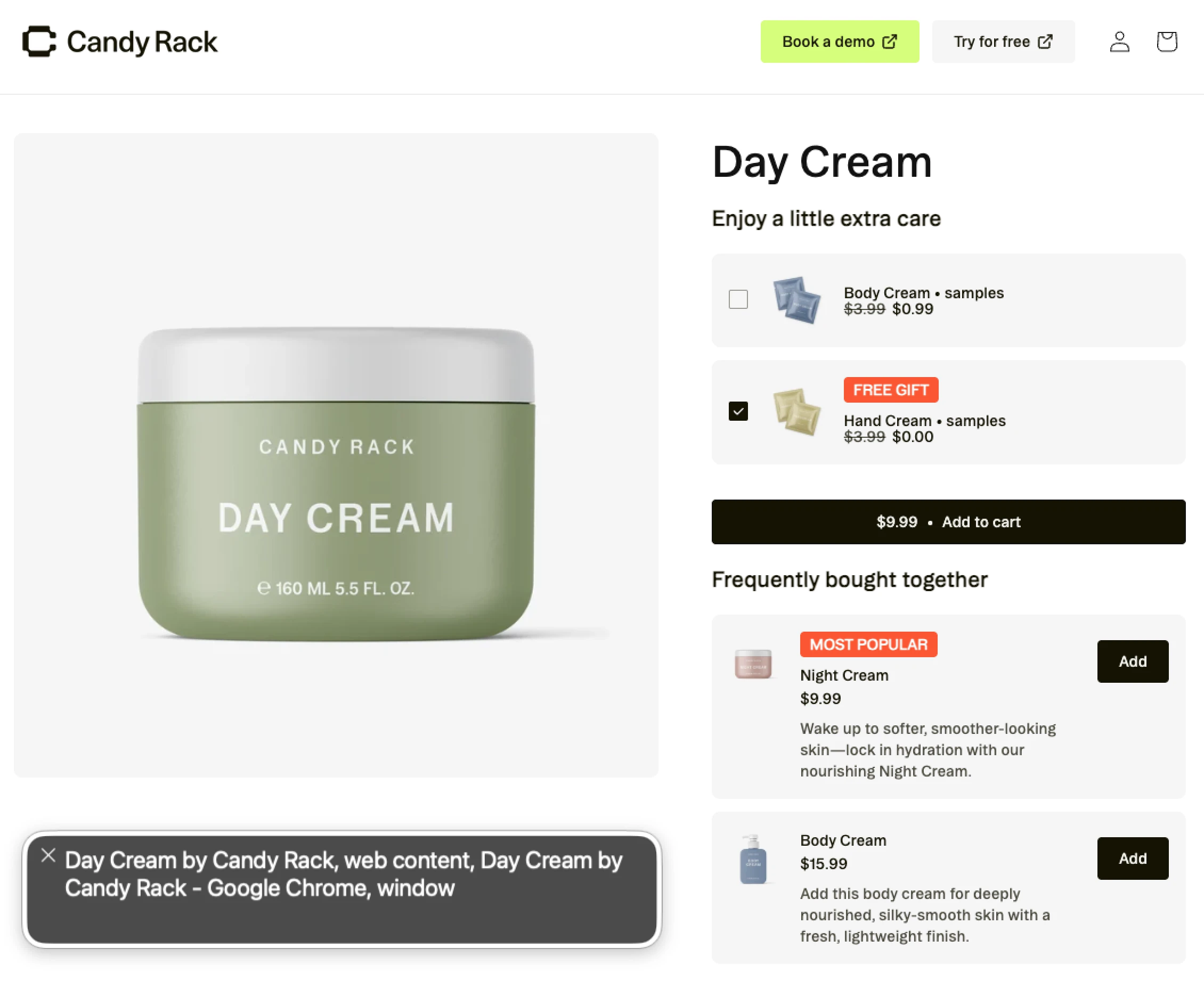
The three surfaces we audited against WCAG 2.1 and 2.2 at level AA were the product page upsell pop-up, the cart pop-up shown on the way to checkout, and the slide cart drawer. Not a scanner score this time, but inspection of the rendered markup, control by control.
The results were uneven in a way I suspect is typical. The slide cart's baseline was better than I expected: close and remove controls were real buttons, every product image already carried descriptive alt text, and the checkout button already had an accessible name. The modals were where the substance was, and the same handful of problems repeated across all three surfaces, which turned out to be the useful part. Repetition means one shared fix rather than three.

The two most serious items were not the ones the scanners had flagged. One was a suppressed focus style, which is worse than it sounds because it breaks keyboard navigation for every control inheriting it, not just the one it was written for. The other was a set of controls that stayed out of the tab order while visible on screen, which quietly turns a working feature into a mouse-only feature. Somebody navigating by keyboard doesn't get a degraded version of that feature. They get no version of it. We split the remediation into three tickets, one per surface, and closed them at the end of July.
Why we're not claiming compliance
One thing we did not close, on purpose. Every storefront color in Candy Rack is editable by you, and we don't validate contrast on the values you set. On the store we audited every configured color passed, but nothing stops a merchant from configuring their way into a 1.4.3 failure with no warning at all. Adding a contrast check to the settings UI is on our list. Until it ships, and even after, we're not going to tell you the app makes your store compliant.
None of which makes an accessibility toolbar worthless. It gives visitors controls over how your store renders, and it gives you monitoring, which is why one earns a place in our rundown of the best Shopify compliance apps next to cookie consent, GPSR, invoicing and terms. It just isn't remediation, and it can't reach inside another app's modal any more than you can. Compliance is a property of your whole storefront on a given day, and no single vendor is in a position to certify it. What a vendor can tell you is what they audited, what they changed, and what's still open.
How to check the apps on your store
You can do a useful pass yourself in about ten minutes, and you don't need a scanner. Most of what matters here is invisible to automated tools, which are good at finding missing alt attributes and contrast failures and blind to focus traps, tab order and announcements. Every scanner report that started this landed in the first category. Not one of them flagged the two issues that actually locked people out.
- Push your mouse away from the keyboard and leave it there.
- Tab through your product page and watch for the focus ring. If it vanishes anywhere, stop. You've found the blocker already.
- Trigger every surface your apps own: add to cart, open the cart drawer, start checkout, wait out any pop-up that appears on a timer.
- In each one, check four things. Can you Tab into it? Does Tab stay inside it instead of wandering onto the page behind? Does Escape close it? Does focus return to whatever you clicked to open it?
- Operate every control by keyboard alone, including quantity steppers, variant pickers, discount fields and remove buttons. Anything you can reach with a mouse but not a keyboard is a 2.1.1 failure.
- Switch on VoiceOver (Cmd+F5 on a Mac) or NVDA and listen to the close button and the product images. "Button" and "Product" are both failures.
- Change a quantity and listen for whether the new total is announced. If the update never receives focus and nothing is announced, that's a 4.1.3 failure.
Anything you find in steps 3 to 7 belongs to the app vendor. Which brings us to the last part.
Four questions worth asking a vendor
Ask them before you install, and treat vagueness as an answer.
- Have you audited your app storefront UI against WCAG 2.1 or 2.2 at level AA, and when?
- Do your modals implement dialog semantics and focus management, meaning role, accessible name, focus trap, Escape, and focus return?
- Can every feature in your app be completed using a keyboard alone?
- And what's still open?
That fourth question is the one that tells you the most. A vendor with a real answer will have one, because everybody has something open. My own read is that "we're fully compliant" usually means nobody has looked, and it's worth remembering what the FTC's accessiBe order actually turned on: not the word compliant, but a compliance claim the company couldn't substantiate.
In practice, the party plaintiffs and regulators pursue is the merchant operating the store, not the vendors behind its parts. That's uncomfortable, because a good share of what ships to your shoppers is code you didn't write and can't edit. The part you do control is which vendors you choose and what you ask them for. If you're weighing up apps and want the same lens applied to conversion instead of compliance, our upsell strategy guide and our checkout optimization guide cover that side. If you sell into the EU, the withdrawal button requirement and the other European constraints we've written about are landing in the same period as the EAA.
The fixes from that audit shipped at the end of July and are live in Candy Rack, including in the slide cart and the rewards bar. If you find something we missed, tell us and we'll fix it rather than argue about severity.
This article describes our own audit and is general information, not legal advice. For your obligations under the ADA, the EAA or national transposing law, talk to a lawyer.