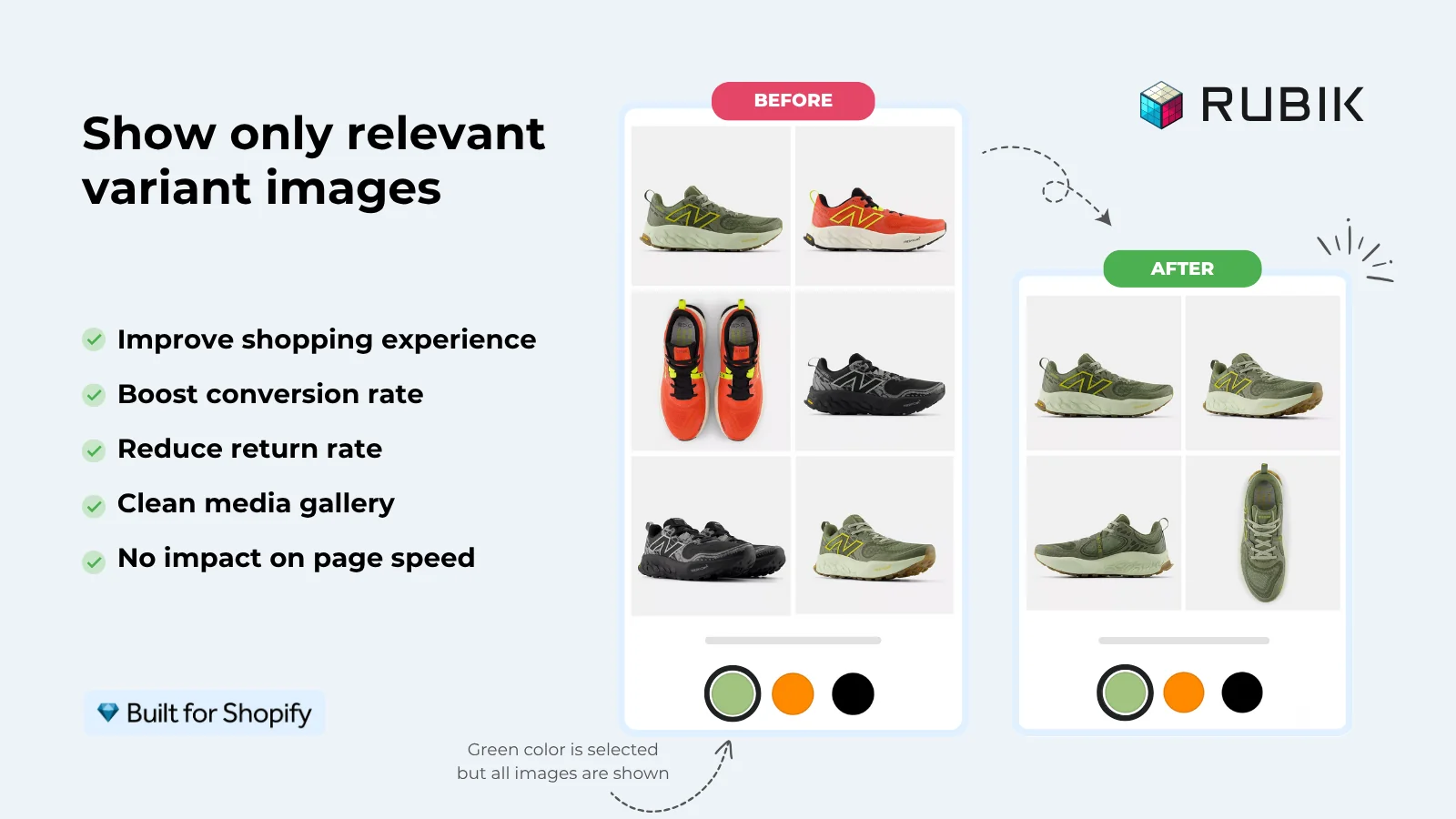
When a shopper selects a blue shirt, the gallery should make it easy to see the blue shirt from every angle. Variant image apps help organize those photos, while swatch apps turn color or material choices into visual selectors.
Shopify already lets you assign one image to each variant. Additional photos can sit in the product gallery, but filtering a whole set of images by the selected option requires suitable theme functionality or an app. Check your theme first, especially if you only need basic color swatches.
Our selection covers seven apps with different strengths. Rubik Variant Images leads the list for combining variant-specific galleries, customizable swatches, and manual or AI-assisted image assignment. The right alternative depends on whether you need gallery filtering, swatches across collection pages, or more complex product customization.