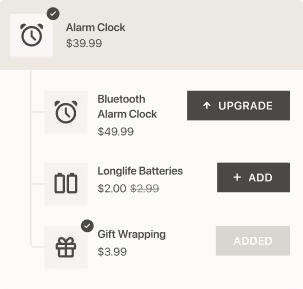
Our app Candy Rack now features an additional section that allows you to customize your upselling and cross-selling pop-ups.
Previously, you could adjust your pop-up’s colors and wordings under Settings. Now, you have the Customize pop-up section which allows for more flexibility:
- You have the possibility to add an extra subtitle—for example, to induce urgency for limited-time deals.
- You have the option to add the “No, thank you” button next to the “Continue” one.
- You can set colors for different buttons individually, rename the buttons, or add and modify their borders.
Plus, it’s easy to customize the behavior of pop-up’s buttons. You can choose where the customer will be redirected after pressing the button:

The preview shown in the section updates in real time to show you how each added or changed element affects the pop-up.
That’s it for now, but we plan to incorporate even more customizations, including:
- Several size options for the added product
- Real-time mobile preview
- Customizable translations (automated at the moment)
Stay tuned for updates, and happy upselling with Candy Rack!
If you haven’t tried the app, the free trial is accessible for 14 days.