
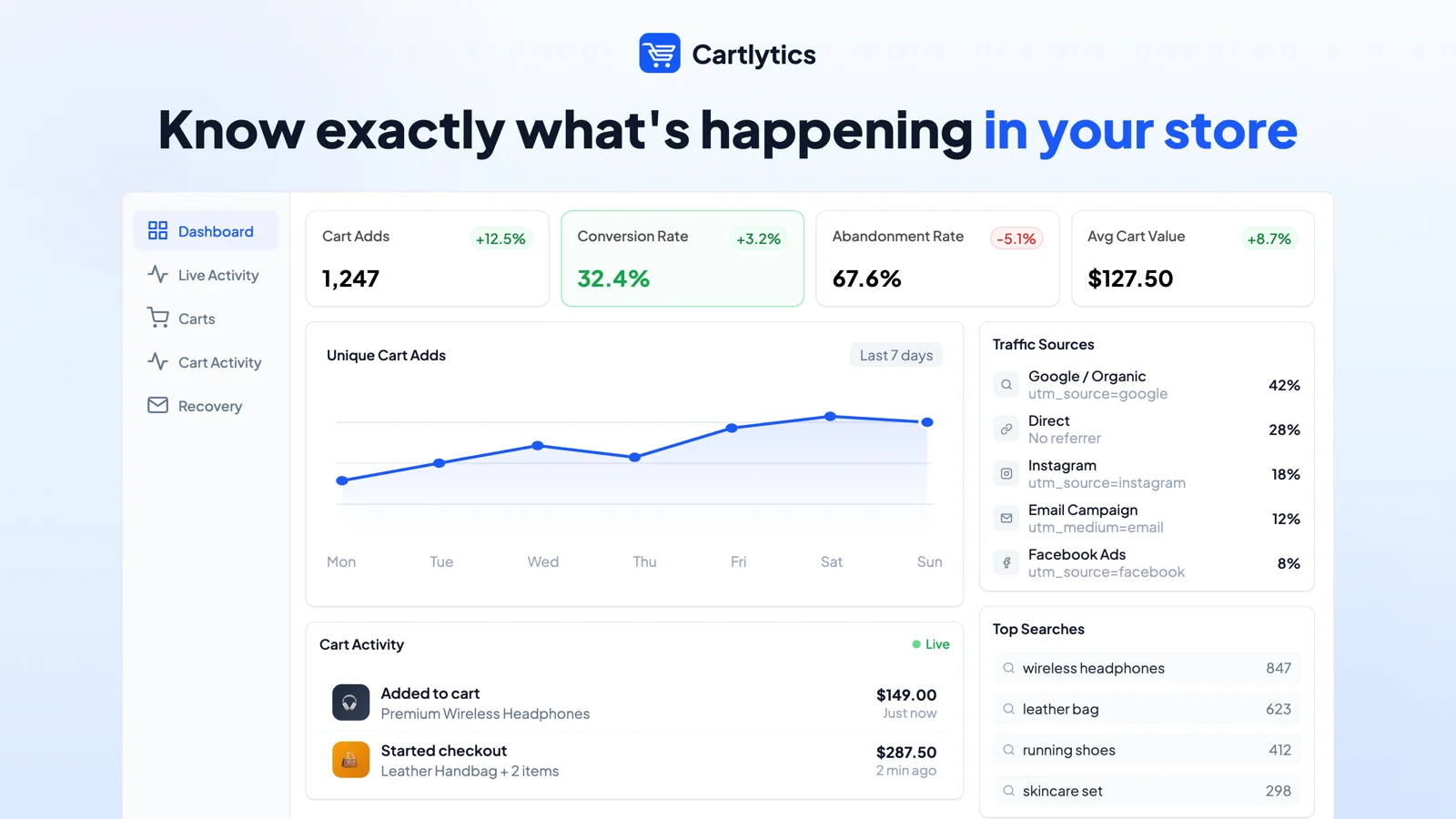
Cartlytics ‑ Cart Analytics has been on the Shopify App Store since January 21, 2025. It comes from the same team as the loyalty app Poinz and shows every cart in your store as it is built: what shoppers add and remove, which pages they viewed first, and where they came from. That makes it a tool for the research side of conversion rate optimization: it shows where carts stall rather than changing the cart itself. The app carries the Built for Shopify badge and installs as a web pixel, with no code added to your theme.
Key features
- Live cart feed: new carts, products added and removed, variant changes and converted carts as they happen.
- A customer journey for each cart, from the first store visit and the products and pages viewed to add to cart, checkout and order, with the customer's name and location when available (for every cart on paid plans).
- Traffic and UTM reports that compare visits, carts, orders and revenue per channel and campaign.
- Automatic abandoned cart recovery emails, triggered by inactivity time and cart value. The free plan includes 50 a month, and the website names Klaviyo, SendGrid, Mailgun and Postmark as sending options.
- One-click conversion of an active cart into a Shopify draft order, which can include a discount.
- A Cart ID widget that shows a short number in the shopper's cart, so your support team can find the exact cart when a customer sends it.
- Product reports with top cart products and add-to-cart versus sold for each product and variant.
- Daily and weekly email summaries, CSV export, Zapier and API access (Growth plan and up), and filters to exclude bots, test carts, IP addresses, emails, domains or countries.
The app is available in English, Spanish, French, German, Italian, Dutch and Portuguese. According to the website, support answers in English and Spanish, typically within 24 hours on business days.
Pricing and trial
Cartlytics is priced by the number of orders per month; according to the website, POS orders are not counted. The Shopify listing shows a free plan for up to 25 orders a month with the dashboard, real-time cart analytics, top cart products, CSV export, draft orders, daily email summaries and 50 recovery emails a month. Starter at $9/month ($90/year) covers up to 1,000 orders and adds customer insights for all carts, traffic and conversion performance, weekly summaries and the option to hide products from analytics. Growth at $19/month ($190/year) covers up to 3,000 orders and adds priority support and API access. Scale at $29/month ($290/year) covers up to 15,000 orders, then $5 per additional 10,000, and adds unlimited historical data. All paid plans include a 14-day free trial.
The website matches these prices but is less clear about what the free plan includes: its FAQ says traffic sources, conversion performance and detailed visitor insights need an upgrade, while its getting-started guide says all plans include the full dashboard. Going by the listing, customer details for every cart and traffic reports start on Starter.
Rating and reviews
Cartlytics has a 4.9 rating from about 60 Shopify reviews, and all but two are five-star (one four-star and one two-star). Merchants from the US, Europe, Australia, South Africa and elsewhere praise the real-time view of carts, the customer journeys and the abandoned cart data, and two reviewers say the team added features they had asked for, one within about a week. The developer replies to most reviews.
The critical feedback is limited but worth reading. In February 2026, a US store wrote that its support requests went unanswered and that the app then stopped working with an error; the developer replied that it had emailed the merchant several times without a response. In 2025, one merchant reported that POS sales were counted as orders and that removals from a test cart were tracked inaccurately (the developer said the order count now excludes POS orders), and another called the accuracy “sometimes iffy”. About half of the reviews are rating-only, and many were left within minutes or days of installing, so the longer-term reviews tell you more. The website says over 10,000 Shopify merchants use the app, which we could not verify. This review is based on the Shopify listing, its reviews and the developer’s website, not a hands-on installation.
Pitfalls
No history, and some gaps. Cartlytics only records carts from the moment you install it, so there is no earlier data to compare against. According to the developer, ad blockers, privacy settings, declined cookies and network interruptions cause a small share of sessions to be missed, and guest shoppers or declined cookies mean some carts have no customer details. Its add-to-cart numbers will not match Shopify’s, because Shopify groups activity into 30-minute sessions while Cartlytics counts every click.
Overlapping reminders. If you already send abandoned checkout emails from Shopify or Klaviyo, set the timing so customers don’t get two reminders for the same cart. The listing also tags the app with AI insights, which the website doesn’t describe, so ask what it covers before you count on it.
Developer details and data. The listing says the developer is based in the United States, while the support address is in Singapore; the privacy policy is issued by Cartlytics Limited and says data may be stored in the United States and Singapore. The app reads shoppers’ IP addresses, geolocation, device and browsing data, plus names, emails and phone numbers when available, and it can edit orders, including draft orders and the last 60 days of order history. The policy, updated in November 2026, does not mention GDPR, but you can choose to start collecting data only after a shopper gives analytics consent. If you sell in the EU, turn that on and ask the developer for a data processing agreement.
Conclusion
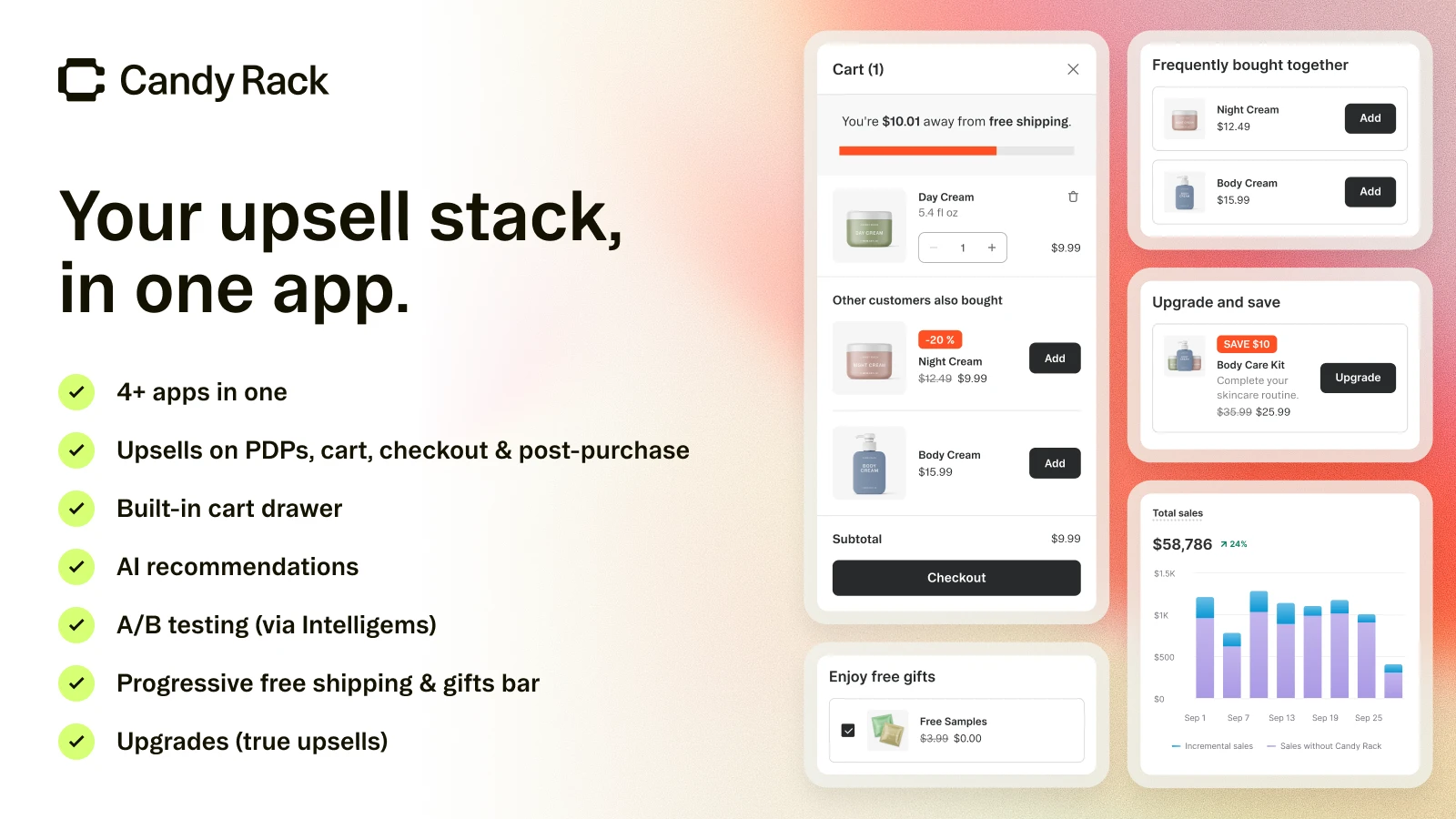
Cartlytics is an inexpensive way to see the carts behind your add-to-cart numbers: who built them, where the shoppers came from and where they stopped, with recovery emails and draft orders to follow up. The free plan is enough to try it on a small store, and $9/month adds customer and traffic data for up to 1,000 orders. Keep in mind that its strong rating comes from a young, partly rating-only review base, and set up consent before using it with EU shoppers. For session recordings and heatmaps, compare Microsoft Clarity; to turn more of those carts into larger orders, see Candy Rack, which adds upsells and a cart drawer. More tools are in our list of the best Shopify CRO apps.
Prices in USD. Pricing and ratings checked in November 2026.