
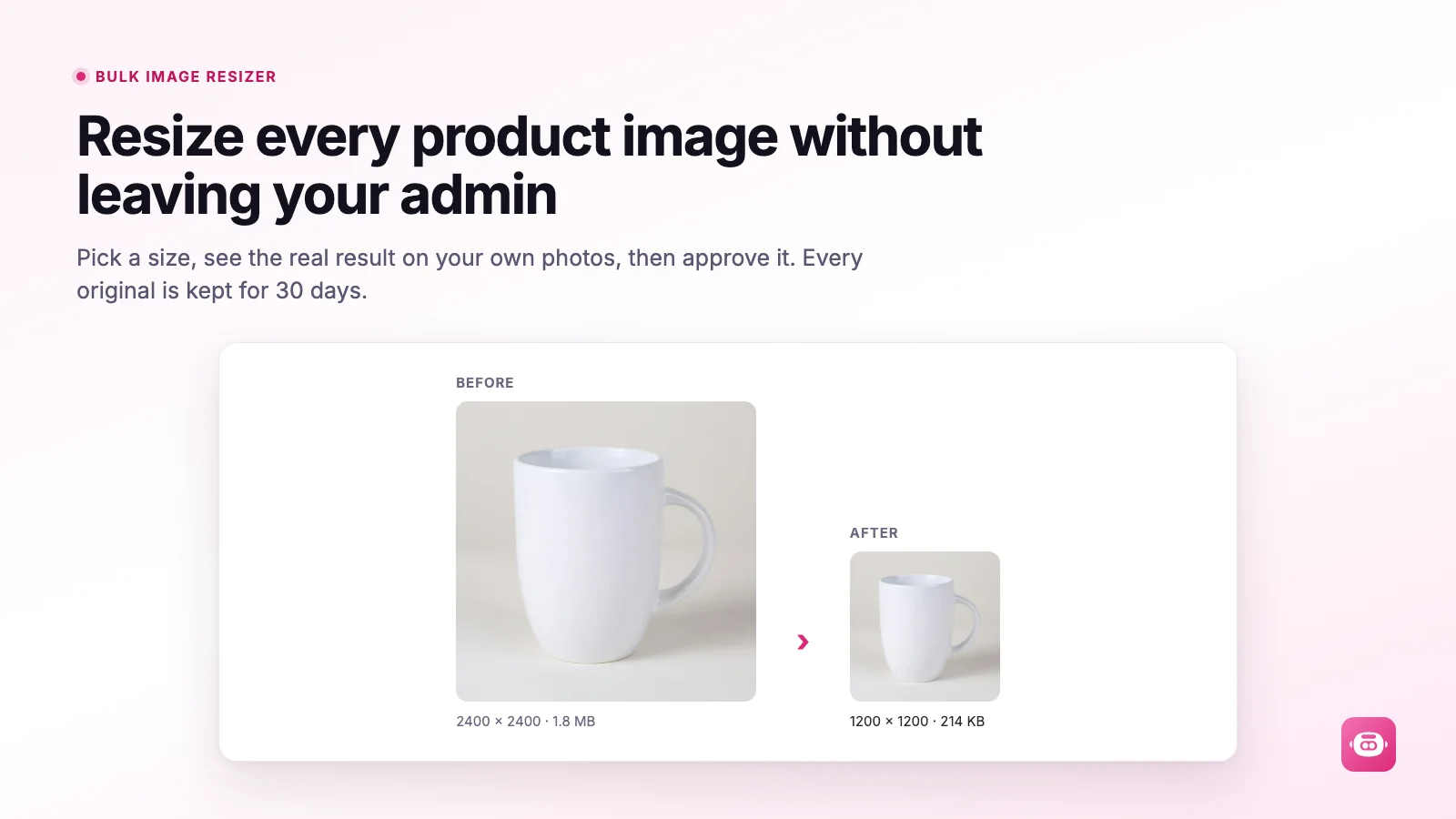
Miko Bulk Image Resizer by Tripster Developers handles oversized files and inconsistent product photos directly in Shopify. It edits existing product and collection images without a download-and-upload workflow. For merchants working through image optimization, the appeal is control over bulk changes, with previews before approval and a way to restore originals.
Key features
- Resize, compress, convert to JPEG, WebP or AVIF, and add watermarks to product and collection images.
- Choose proportional resizing, cropping or padding, and preview dimensions and file sizes on your own photos.
- Target selected products, collections, tags or vendors instead of changing the entire catalog.
- Audit oversized images and missing alt text; generate bulk alt text from customizable templates.
- Schedule weekly or monthly runs, process new products automatically, and restore individual images or whole runs within 30 days.
Pricing and trial information
The current billing guide lists no monthly subscription. The first 100 images are free once per store, followed by $0.02 USD per image actually changed, including watermarking. Skipped or failed images, audits, alt text, previews and restores are free. An initial 1,000-image job would cost $18 if all images change and the free allowance is unused. Set a monthly spending ceiling between $5 and $1,000; processing pauses at the limit. The free allowance replaces a time-limited trial.
Rating and reviews
On September 30, 2026, the Shopify listing had no merchant reviews. The app launched on August 4, 2026, so there is no review pattern to assess for support or reliability. This assessment uses published product information and documentation, not our own installation or measured performance tests.
Pitfalls
Cropping can remove product details, while aggressive compression can reduce quality. Test representative photos and check the storefront before a full run. The documentation limits restoration to 30 days, so keep your own originals and restore anything needed before uninstalling. Template alt text still needs an accuracy check. Access covers products and collections, with no customer or order data requested. Smaller files do not guarantee higher rankings or faster pages.
Conclusion
Miko looks well suited to occasional catalog cleanup and ongoing image consistency. Its free audit and initial allowance make a small evaluation practical. Choose it for the editing workflow and usage model, then validate image quality and costs on your own catalog before enabling automation.