
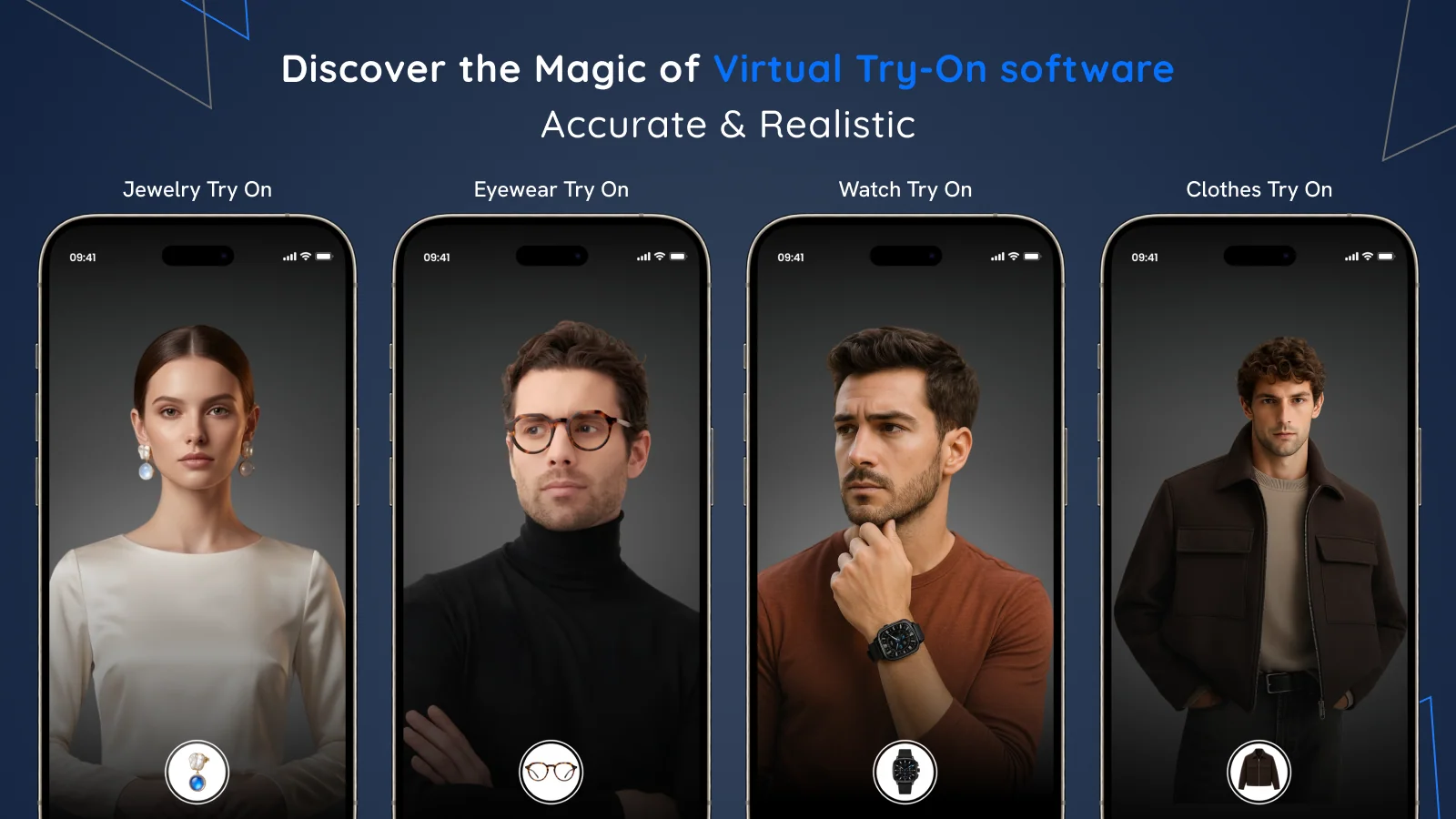
Camweara adds an augmented reality virtual try-on to Shopify product pages. Shoppers can see an item on their face, hand, or body using a live camera or photo. It covers more categories than many specialized apps, including jewelry, eyewear, watches, clothes, hats, wigs, shoes, and bow ties. The app supports 2D product images and GLB models, although the result depends heavily on the quality and preparation of those assets.
Key features
Shopify products can be imported into the Camweara dashboard. The try-on button then appears on enabled products and can be styled to fit the storefront.
- Video and photo modes: shoppers can use a live camera or an image, depending on the product and configured experience.
- Broad product coverage: the listing names jewelry, eyewear, watches, clothing, hats, wigs, shoes, and bow ties.
- 2D and 3D assets: Camweara works with product images and GLB files. Eyewear generally needs front and side views, while jewelry requires appropriate angles and dimensions.
- Assisted asset preparation: automatic background removal is included, and the team can help with image editing, SKU mapping, and integration customizations.
- Analytics: the dashboard tracks metrics such as users, button clicks, and most-tried products. Purchase tracking from try-on starts on Starter.
- Device and theme support: the listing says it works with Shopify themes and Android, iOS, and Windows devices.
The developer also documents pupillary distance detection for eyewear. It can improve how a frame is scaled, but an AR visualization does not replace prescription measurements or a physical fitting.
Pricing and trial information
Lite costs $39 per month or $429 per year. It covers 70 products and includes integration support, automatic background removal, video and photo modes, analytics, Product Status Finder, and image or GLB assets.
Starter costs $90 per month or $900 per year for 300 products. It adds dedicated support and purchase tracking from the try-on experience. Growth costs $200 per month or $2,000 per year for 3,000 products, priority support, and up to 200,000 monthly website visits. Larger stores need to contact the developer.
The Shopify listing does not advertise a free plan or trial. A separate developer guide for eyewear mentions a seven-day trial, while the developer’s general pricing page shows different annual prices and image preparation charges. Confirm the price, limits, and any additional fees in the Shopify billing screen before committing.
Rating and reviews
At the time of review, Camweara has a 5.0 rating from 59 Shopify reviews. Fifty-seven are five stars and two are four stars. Merchants most often praise responsive support, integration help, image editing, and custom implementation work. Several reviews come from stores after months or more than a year of use.
Critical feedback is scarce. One recent review asks for faster product syncing, while another reports that the try-on button temporarily disappeared and was restored with support’s help. Claims about conversion and return improvements remain merchant testimonials or developer figures, not a guaranteed result.
Pitfalls
The starting price is higher than AI try-on tools with a free plan, each tier caps the number of products, and the Shopify listing supports English only. Launch may also require precise product views, dimensions, SKU mapping, and help from the Camweara team. A developer article says live video is processed locally in the browser without storing images or biometric data. However, the formal privacy policy mainly covers the company website, contact forms, and cookies. It does not clearly document photo mode, retention, subprocessors, international transfers, or merchant responsibilities. A store should request current technical documentation and a data processing agreement before deployment. The app also accesses store owner contact details, products, and collections. This is not legal advice.
Conclusion
Camweara is best suited to eyewear, jewelry, and accessory merchants that want live AR try-on across several product types and value hands-on implementation support. I would start with a small, representative SKU set, then test scale, tracking, lighting, and speed across devices. Stores looking for a clearly advertised free trial, a multilingual interface, or highly detailed privacy documentation have simpler alternatives.